An @vercel/og alternative
Keep a unique og:image for every page, but design the card in an editor instead of JSX, with no fonts to bundle and nothing rendered inside your deployment.
The free API tier renders watermarked images, enough to wire it up and test it.
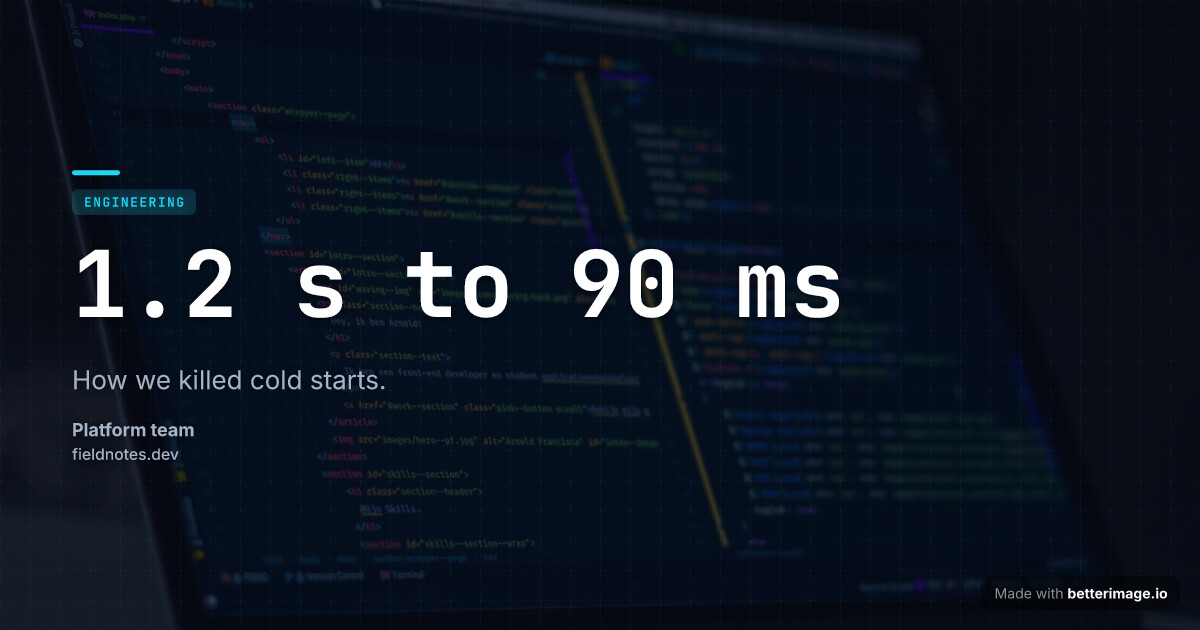
Engineering write-up
Terminal photo under a deep overlay, graph paper, the number is the headline. JetBrains Mono + Inter.
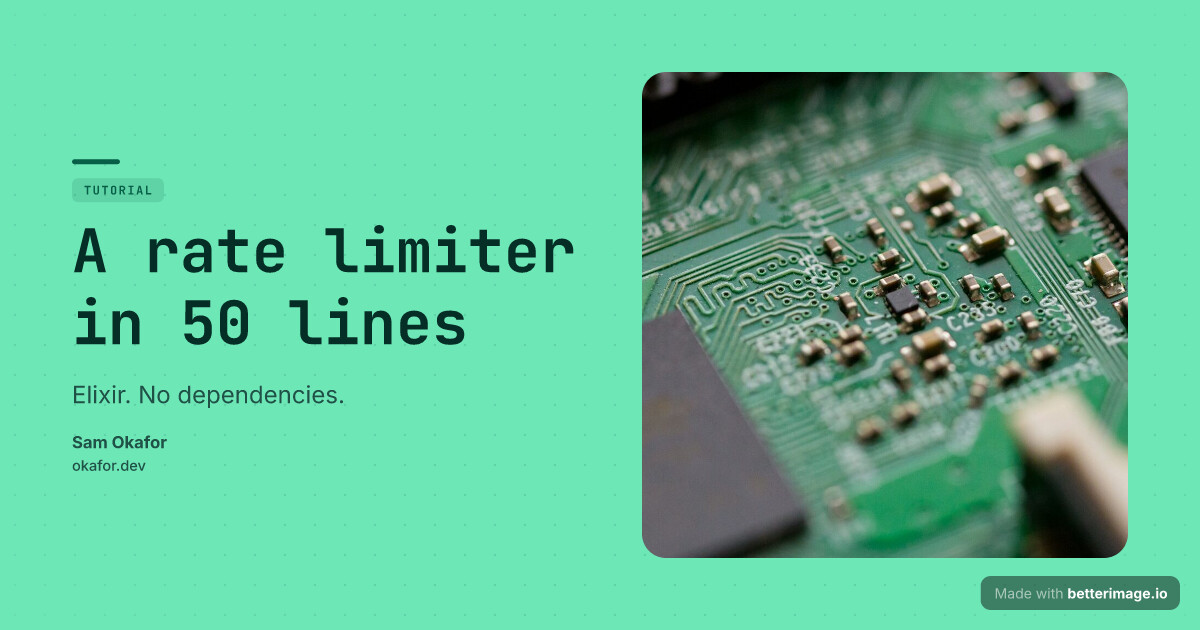
Tech tutorial
A flat mint field, the photo in a rounded slot on the right, JetBrains Mono headline. JetBrains Mono + Inter.
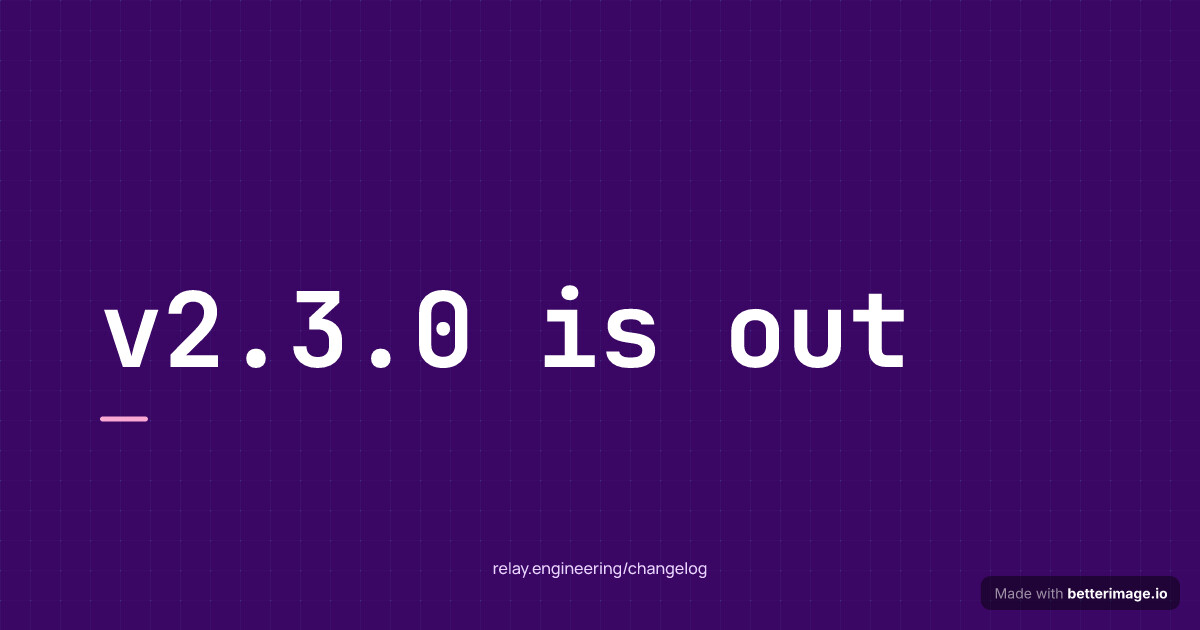
Changelog line
A flat plum field, no photo, the type carries the card, JetBrains Mono headline. JetBrains Mono.
Click any example to open it in the editor and make it yours. More starting points in the template gallery.
@vercel/og draws Open Graph images in code. You write the card as JSX, Satori turns it into SVG, and the PNG is produced by a route inside your own app. When the card belongs in the codebase, reviewed in pull requests next to the pages it describes, that is a good setup.
This page is for the other case: the card should be designed by eye rather than in JSX, the site is not a JavaScript app, or nobody wants to own font files and a render route. Here the card is a template you design in the editor, betterimage.io renders it, and your app only signs a URL with the page's title in it.
How it works
Design the card
Start from an example above or a blank template, and save it to a free account.
Create an API key
Under Account settings > API. The secret signs URLs on your server and never goes into the page.
Put the URL in og:image
One signed URL per page with that page's title in it. It renders on the first fetch and is cached at the edge.
What you maintain with @vercel/og
Vercel's documentation lists the limits. Layout is flexbox and a subset of CSS properties. The bundle is capped at 500 KB, and that budget includes the JSX, CSS, fonts and images. Fonts have to be ttf, otf or woff, and any font other than the bundled default is read by your own code and passed in as an ArrayBuffer.
All of it lives in code. A designer needs a developer to change the card, and a new font means a new file in the bundle.
What it looks like with a signed URL
The card is saved as a template in the editor. In the page, the only code is the URL: the same generateMetadata, with signedImageUrl from the @betterimage/cards package where ImageResponse used to be. The secret stays on the server; the URL carries the title and an HMAC signature.
const image = await signedImageUrl({
  ...parseApiKey(process.env.BETTERIMAGE_API_KEY!),
  template: "blog-card",
  fields: { title: post.title, description: post.excerpt },
});

return {
  openGraph: { images: [{ url: image, width: 1200, height: 630 }] },
  twitter: { card: "summary_large_image", images: [image] },
};
The differences that matter
Where the image is drawn: @vercel/og renders in a route of your app; a signed URL renders on betterimage.io and is cached at the edge, so your deployment never draws an image.
Who can change the design: with @vercel/og, whoever edits the JSX. With a template, anyone who can sign in to the account can change it without touching code, and existing URLs pick up the new design as the cache expires, with no redeploy.
Which stacks it fits: @vercel/og is a JavaScript library. A signed URL is a string with an HMAC in it, so it works the same from Next.js, Astro, SvelteKit, Nuxt, a Hugo partial or a WordPress plugin, each with a tested guide here, and from Python, Ruby, Go or PHP with the signing code on the API page.
Sizes and pictures: one template renders at every platform size (link preview, square, portrait, story, Pinterest, YouTube) through one size parameter, and a photo passed as image_url is fetched on the server and drawn in the template's own image slot.
When to stay with @vercel/og
If the card needs more than text and pictures, for example a chart drawn from the page's data, JSX can do it and a template cannot. If you want no third party in the path of your link previews and no monthly quota, a route in your own app is the way to get that. And if the team is happy editing the card in code, there is nothing to fix.
Switching one route over
Rebuild the card in the editor, save it as a template and create an API key. Then replace the ImageResponse route, or the opengraph-image file, with the signed URL in generateMetadata, and delete the old one so each page has exactly one og:image. View the source of one page to confirm it, and run its URL through the link preview checker.
Guides for your stack
- Next.js guide: the signed URL in generateMetadata, tested on the App Router.
- Astro guide: the same in a layout, static or on demand.
- SvelteKit guide: the URL signed in a server load function.
- Nuxt guide: the URL signed in a server route, set with useSeoMeta.
- Link preview checker: see the og:image each platform gets, before and after the switch.
Frequently asked questions
Is betterimage.io built on @vercel/og or Satori?
No. Cards are laid out and rasterized by betterimage.io's own renderer, so none of Satori's CSS subset, font formats or bundle limit applies to your template.
Can I keep using Next.js and Vercel?
Yes. Only the image moves: generateMetadata signs a URL instead of pointing at an ImageResponse route. The Next.js guide has the tested code for the App Router.
Does it work outside Vercel?
Yes. The og:image is a URL on betterimage.io, so it does not matter where your site is hosted, or whether it has a server at all: a static site can sign the URLs at build time.
What can change per page?
The title, description, tag, author, footer, star rating and price, the output size, and the pictures through image_url, logo_url and background_url. Layout, colours and fonts stay locked to the template, which is what keeps every card on-brand.
What does it cost?
The API has a free tier with a monthly allowance of watermarked images, enough to integrate and test. Paid plans remove the watermark and raise the quota; they are listed on the API page. Cached fetches of the same URL do not count against the quota.
More generators
Start with the card
Design it in the editor and save it as a template. The API page has the signing code for Node, Python, Ruby, Go and PHP, and the plans.