Free OG image generator
Design a 1200x630 Open Graph image in the browser and download the exact PNG you previewed. No design tools, no signup.
Free, no signup. The preview you see is the PNG you download.
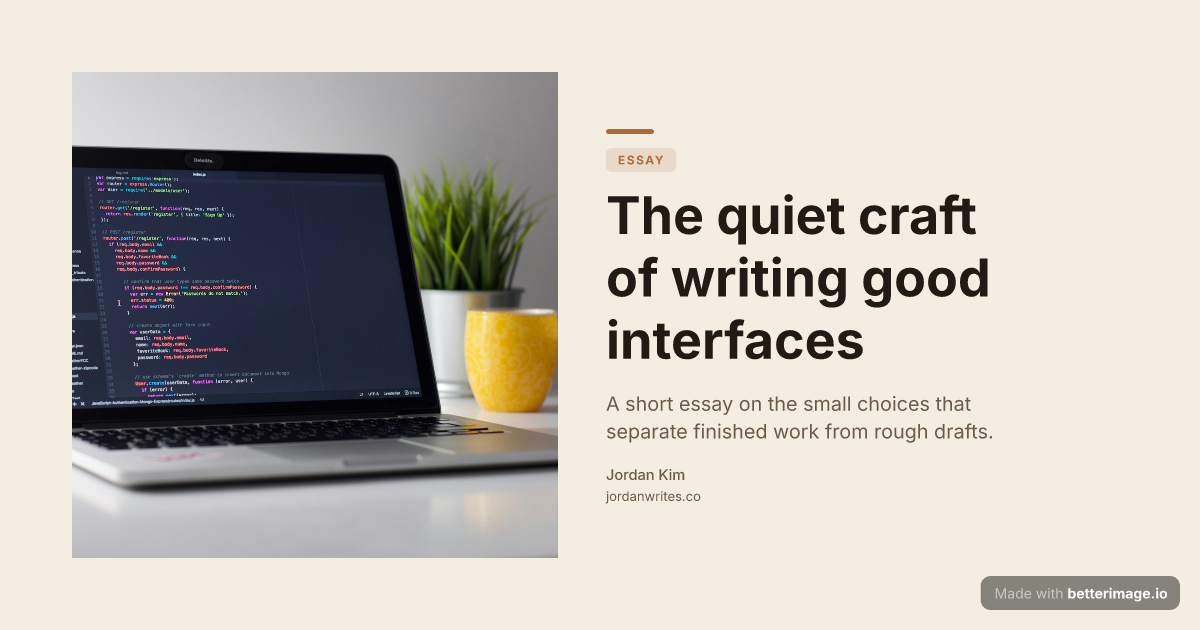
Editorial blog post
Serif headline, photo bleeding from the left edge, warm cream palette.

Engineering post-mortem
Cover photo behind the title with a dark overlay so the headline stays readable.
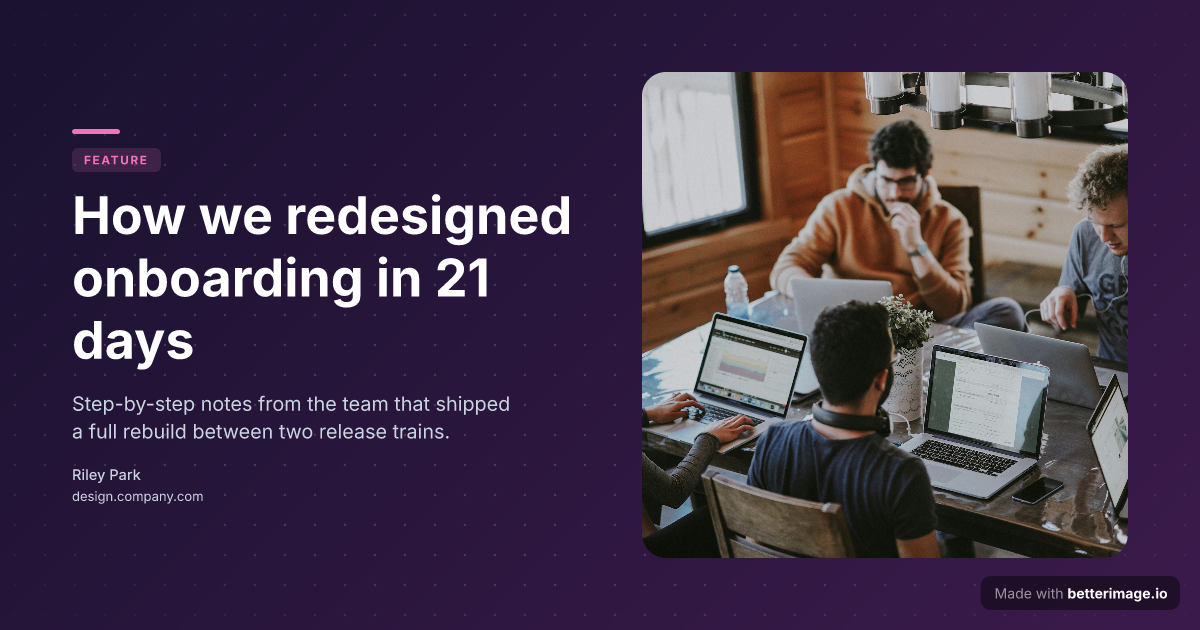
Long-read article
Floating image card with a soft shadow, gradient backdrop, accent tag.
Click any example to open it in the editor and make it yours.
An OG image (Open Graph image) is the picture platforms show when someone shares a link to your page. Facebook, LinkedIn, Slack, Discord, and most chat apps read the og:image meta tag and render it above the title in the preview card. Pages with a purposeful OG image get a bigger, more clickable preview than pages that fall back to a random screenshot or no image at all.
betterimage.io generates that image. Pick a template, type your headline, adjust colors and typography, and download the PNG. The live preview is the render, so what you see is exactly what you download.
How it works
1
Pick a template
Start from an example above or from a blank template in the editor.
2
Make it yours
Type your text, set colors, fonts, and layout, upload a photo or logo. The preview updates as you type.
3
Download the PNG
Free with a small corner mark, or $4.99 once for the clean file. No subscription.
The right size: 1200x630
The de facto standard for Open Graph images is 1200x630 pixels, a 1.91:1 aspect ratio. Every image this tool generates is exactly that size, so it displays correctly on Facebook, LinkedIn, Slack, Discord, and X without cropping surprises.
Wiring the image into your page
You host the image yourself: download the PNG, put it wherever your site serves static files, and point the meta tags at it. The minimal setup looks like this:
<meta property="og:image" content="https://yoursite.com/og/post.png" />
<meta property="og:image:width" content="1200" />
<meta property="og:image:height" content="630" />
<meta name="twitter:card" content="summary_large_image" />
Frequently asked questions
What is an OG image?
The image shown in a link preview when your page is shared. It comes from the og:image meta tag in your page's HTML. Facebook, LinkedIn, Slack, Discord, and most messengers use it; X reads it too when no twitter:image is set.
What size should an OG image be?
1200x630 pixels (1.91:1). Every image generated here is exactly that size.
Do you host the image for me?
No. You download the PNG and host it with your site, then point the og:image tag at your own URL. Your link previews never depend on a third-party host.
Is it really free?
The editor is free and requires no signup. The free download has a small "Made with betterimage.io" mark in the corner; a one-time $4.99 payment gives you the same image without it. No subscription.
Does one image work for every platform?
Yes. 1200x630 is read natively by Open Graph consumers, and X displays it as a large summary card when twitter:card is set to summary_large_image.
Make yours now
The editor is free and runs in the browser, no signup. The free download carries a small "Made with betterimage.io" mark; a one-time $4.99 payment removes it. No subscription.
Open the editor