Twitter card image generator
Make the 1200x630 image behind a large summary card on X. Live preview, exact-match PNG download, no signup.
Free, no signup. The preview you see is the PNG you download.

Long-read article
Floating image card with a soft shadow, gradient backdrop, accent tag.
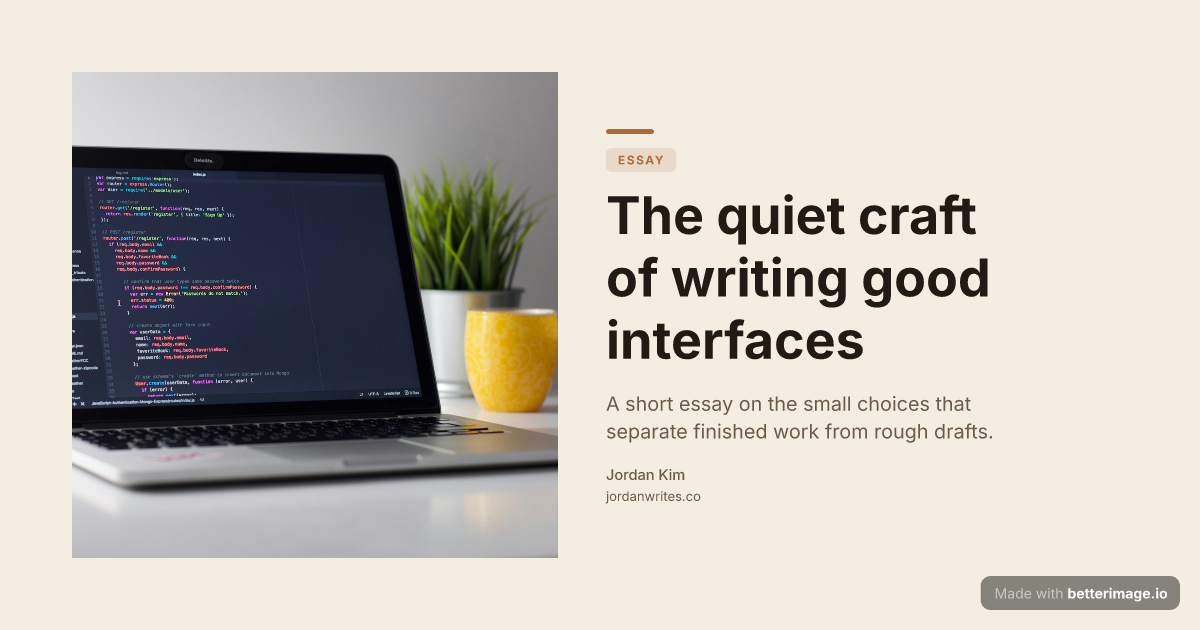
Editorial blog post
Serif headline, photo bleeding from the left edge, warm cream palette.

Manifesto or changelog
One bold line and a tagline. Accent dot or bar to match your brand.
Click any example to open it in the editor and make it yours.
When a link is shared on X (Twitter), the platform looks for card meta tags and renders a preview. With twitter:card set to summary_large_image, the preview becomes a full-width image card, the biggest surface a link gets in the feed. The image behind it is what this tool generates.
Type your headline, pick colors and a layout, and download a 1200x630 PNG that reads clearly even scaled down in a timeline. The preview in the editor is the actual render.
How it works
1
Pick a template
Start from an example above or from a blank template in the editor.
2
Make it yours
Type your text, set colors, fonts, and layout, upload a photo or logo. The preview updates as you type.
3
Download the PNG
Free with a small corner mark, or $4.99 once for the clean file. No subscription.
The two tags that matter
X reads its own twitter:* tags first and falls back to Open Graph tags where they are missing. The explicit setup is:
<meta name="twitter:card" content="summary_large_image" />
<meta name="twitter:image" content="https://yoursite.com/card.png" />
One image, every platform
Because the same 1200x630 file also satisfies og:image consumers (Facebook, LinkedIn, Slack, Discord), you make the image once and set both tag families. Nothing platform-specific is baked into the PNG itself.
Frequently asked questions
Which card type shows the big image?
summary_large_image. The plain summary type shows only a small square thumbnail next to the text.
What size should a Twitter card image be?
1200x630 (1.91:1) works for the large summary card. That is the size every image here is rendered at.
Do I need twitter:image if I already set og:image?
X falls back to og:image when twitter:image is missing, so one tag can be enough. Setting both explicitly removes the guesswork.
Is the download free?
Yes, with a small "Made with betterimage.io" mark. A one-time $4.99 payment removes it. No account, no subscription.
Make yours now
The editor is free and runs in the browser, no signup. The free download carries a small "Made with betterimage.io" mark; a one-time $4.99 payment removes it. No subscription.
Open the editor