Link preview image generator
One 1200x630 image that controls how your link looks on X, LinkedIn, Facebook, Slack, Discord, and WhatsApp.
Free, no signup. The preview you see is the PNG you download.
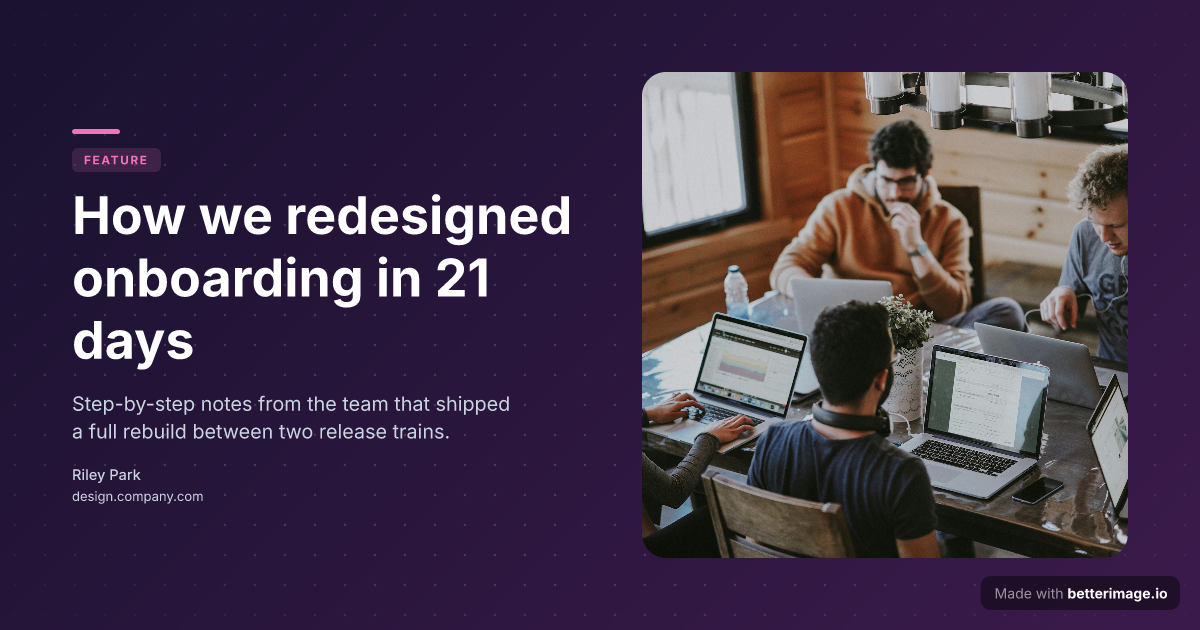
Long-read article
Floating image card with a soft shadow, gradient backdrop, accent tag.
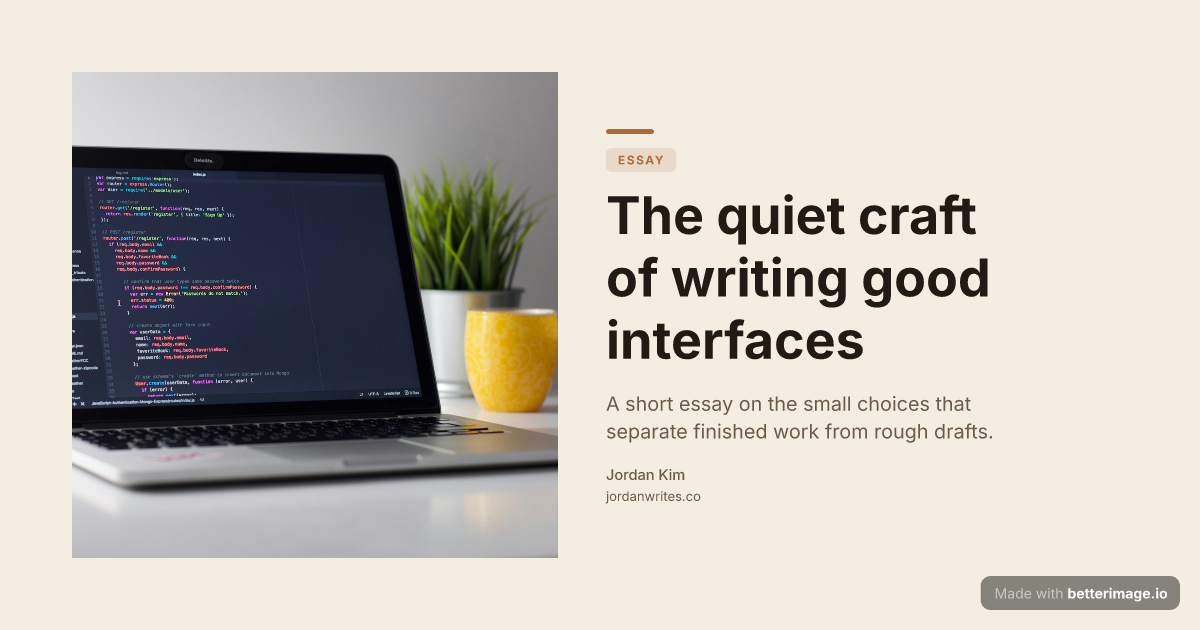
Editorial blog post
Serif headline, photo bleeding from the left edge, warm cream palette.
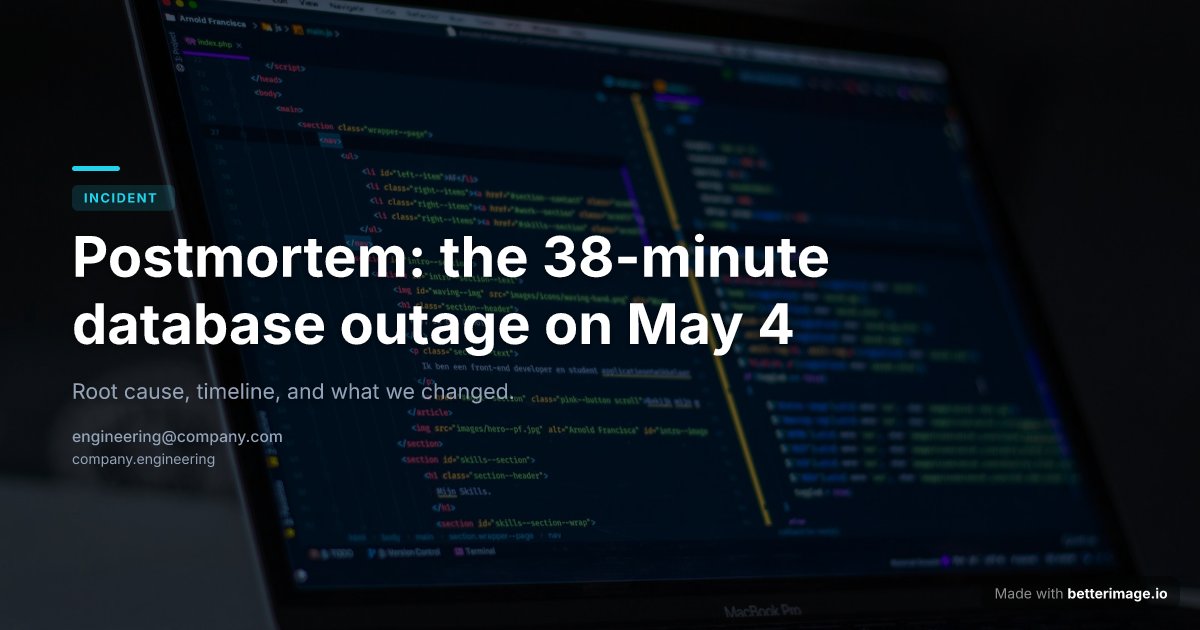
Engineering post-mortem
Cover photo behind the title with a dark overlay so the headline stays readable.
Click any example to open it in the editor and make it yours.
Every platform that expands a pasted link into a card reads the same thing: your page's Open Graph tags. X, LinkedIn, Facebook, Slack, Discord, WhatsApp, Telegram, iMessage; they all fetch og:image (or its twitter:image sibling) and put it front and center in the preview.
That makes the link preview image the highest-leverage graphic on your site: you make it once, wire it in with two meta tags, and it follows the link everywhere. Design it here, download the exact PNG you previewed, and host it with your page.
How it works
1
Pick a template
Start from an example above or from a blank template in the editor.
2
Make it yours
Type your text, set colors, fonts, and layout, upload a photo or logo. The preview updates as you type.
3
Download the PNG
Free with a small corner mark, or $4.99 once for the clean file. No subscription.
The complete tag setup
Two tag families cover every consumer. Open Graph for Facebook, LinkedIn, Slack, Discord, WhatsApp and most chat apps; Twitter tags for X, which falls back to Open Graph when its own tags are missing. The full, explicit setup:
<meta property="og:image" content="https://yoursite.com/og/page.png" />
<meta property="og:image:width" content="1200" />
<meta property="og:image:height" content="630" />
<meta name="twitter:card" content="summary_large_image" />
<meta name="twitter:image" content="https://yoursite.com/og/page.png" />
Debugging a preview that will not update
Platforms cache the first preview they scrape, sometimes for days. After changing the image, use Facebook's Sharing Debugger or LinkedIn's Post Inspector to force a re-scrape of your URL; both tools also show you exactly which tags the crawler found. For other platforms, appending a temporary query string to the shared URL is the pragmatic way to bypass a stale cache.
Frequently asked questions
What size should a link preview image be?
1200x630 pixels (1.91:1) is the de facto standard that renders correctly across X, LinkedIn, Facebook, Slack, Discord, and WhatsApp. Every image here is exactly that size.
Why is my link preview not showing?
Either the page lacks og:image, the image URL is not publicly reachable over HTTPS, or the platform cached an older scrape. Check the tags, then force a re-scrape with Facebook's Sharing Debugger or LinkedIn's Post Inspector.
Do I need a different image per platform?
No. One 1200x630 file serves them all; that is the point of the Open Graph standard. Platform-specific images are only worth it if you want different messaging per network.
Where do I host the image?
Anywhere your site serves static files. You download the PNG from here and point og:image at your own URL, so previews never depend on a third party.
What does it cost?
The editor is free without signup. Free downloads carry a small "Made with betterimage.io" mark; a one-time $4.99 payment removes it. No subscription.
More generators
Make yours now
The editor is free and runs in the browser, no signup. The free download carries a small "Made with betterimage.io" mark; a one-time $4.99 payment removes it. No subscription.
Open the editor