Newsletter cover image generator
Branded issue covers and section headers for your newsletter: one 1200x630 card that also previews well when the issue is shared.
Free, no signup. The preview you see is the PNG you download.
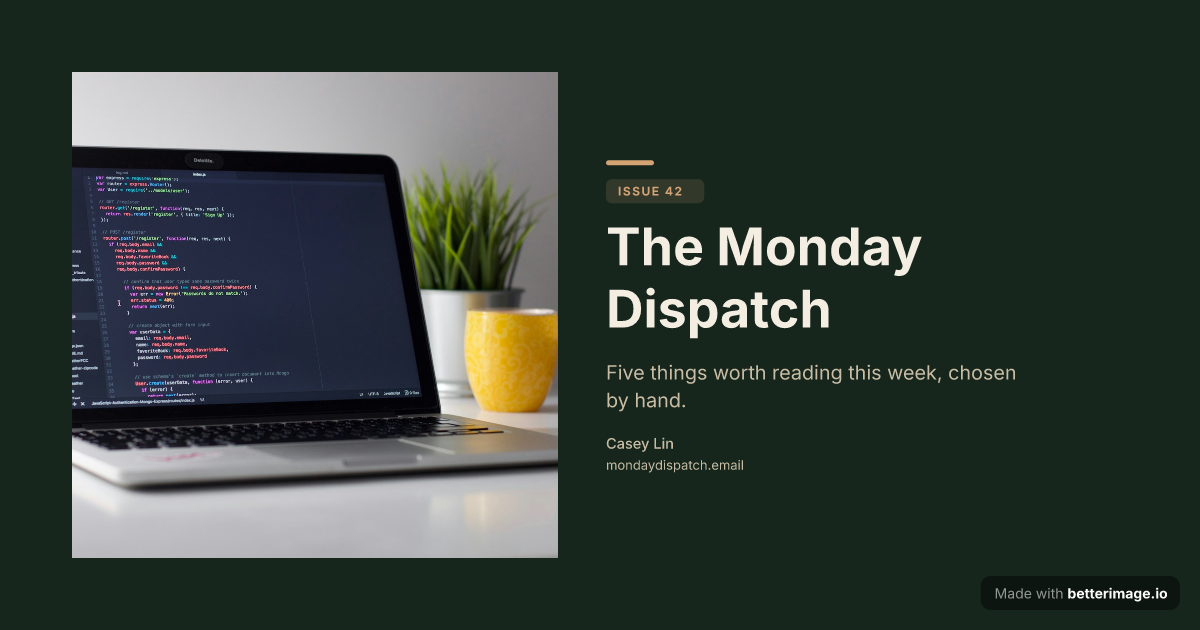
Newsletter issue
Serif masthead and issue tag on a deep green background. For newsletter covers.
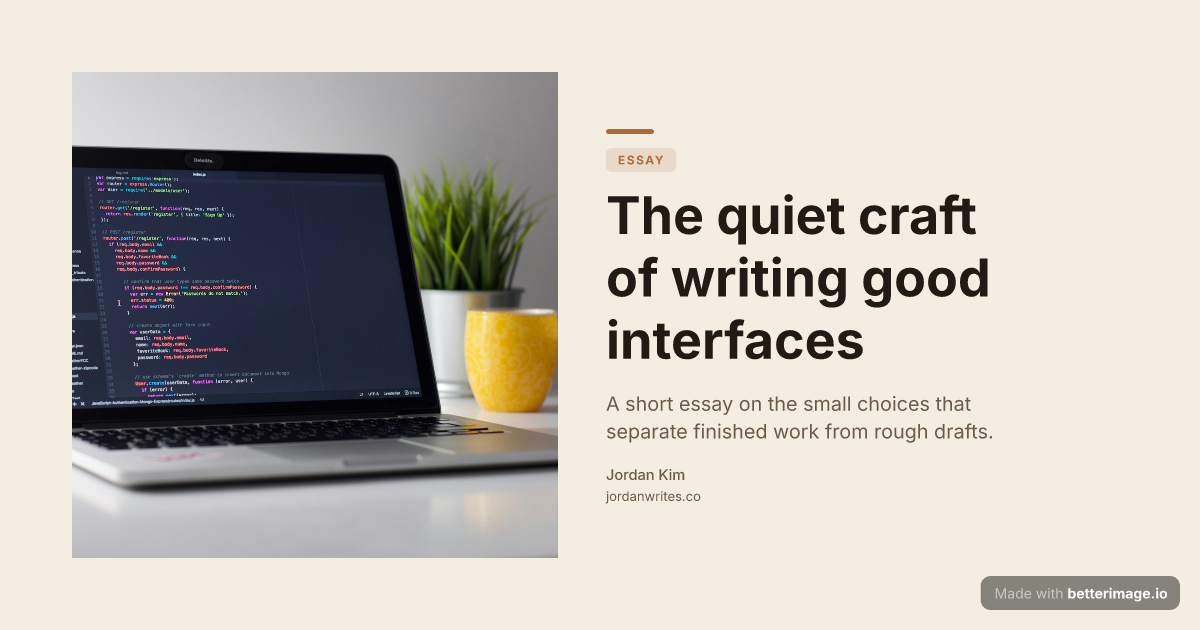
Editorial blog post
Serif headline, photo bleeding from the left edge, warm cream palette.
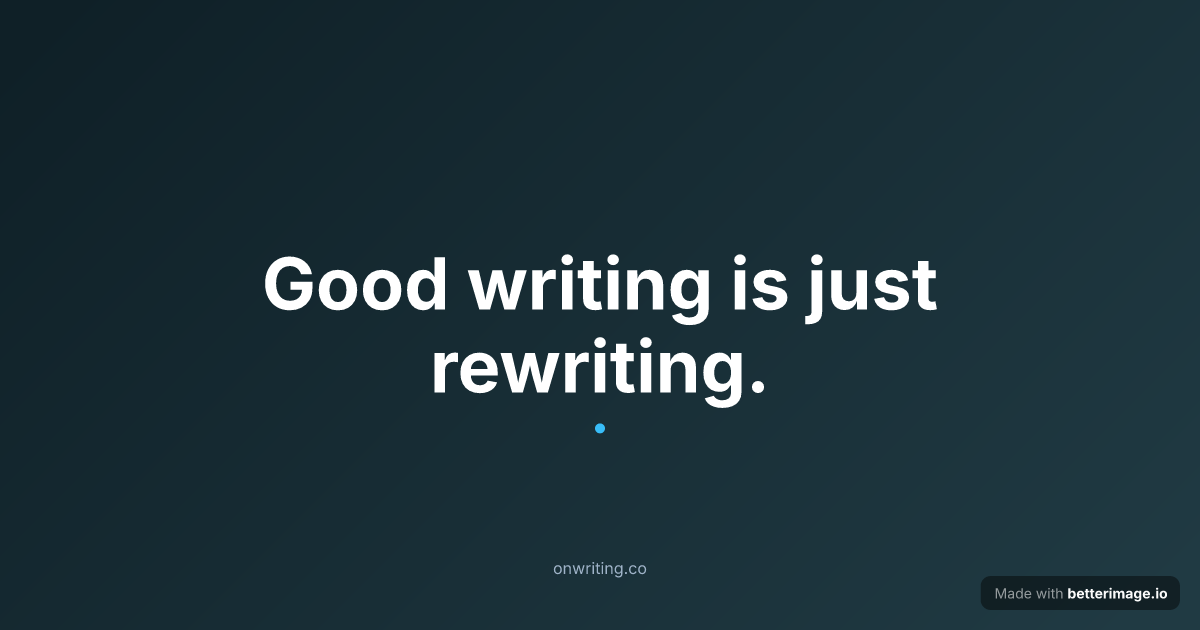
Bold quote card
One line set large and centered, with an accent mark. For pull quotes and announcements.
Click any example to open it in the editor and make it yours.
A newsletter with a consistent cover card at the top of every issue looks edited, not just sent. The cover carries the issue number, the headline, and your colors; readers learn to recognize it in a crowded inbox, and it gives the issue a visual anchor before the first paragraph.
Email clients render content around 600 pixels wide, and a 1200-wide image displayed at that width stays crisp on high-density screens. The same file doubles as the og:image of the issue's web version, so a shared link to the archive gets the same branded card.
How it works
1
Pick a template
Start from an example above or from a blank template in the editor.
2
Make it yours
Type your text, set colors, fonts, and layout, upload a photo or logo. The preview updates as you type.
3
Download the PNG
Free with a small corner mark, or $4.99 once for the clean file. No subscription.
Works with any email tool
The output is a plain PNG, so it drops into any editor that accepts images: paste it at the top of the issue as the masthead, or use smaller variants as section dividers. Nothing here integrates with or depends on a specific email platform; you own the file.
Issue-to-issue consistency
Save the cover as a template with a free account and each new issue is a headline swap: change "Issue 42" to "Issue 43", update the title, download. The masthead font, the palette, and the layout never drift, which is exactly what makes the cover recognizable over time.
Frequently asked questions
What size should a newsletter header image be?
Emails typically render around 600px wide, and a 1200x630 image scaled to that width stays sharp on retina screens. The same file works as the og:image for the issue's web version.
Which newsletter platforms does this work with?
Any tool that lets you insert an image. The output is a standard PNG you download and upload wherever you write your issues.
Can I number the issues?
Yes. Use the tag field for "ISSUE 42" style labels, and edit just that field each week once the design is saved as a template.
Can I match my newsletter's brand colors?
Yes. Background, text, description, and accent colors are all directly editable, along with fonts and weights per text element.
What does it cost?
The editor is free, no signup. Free downloads carry a small "Made with betterimage.io" mark; a one-time $4.99 payment removes it.
More generators
Make yours now
The editor is free and runs in the browser, no signup. The free download carries a small "Made with betterimage.io" mark; a one-time $4.99 payment removes it. No subscription.
Open the editor