WhatsApp link preview image generator
Control the image WhatsApp shows when your link lands in a chat: one 1200x630 PNG wired in with a single meta tag.
Free, no signup. The preview you see is the PNG you download.
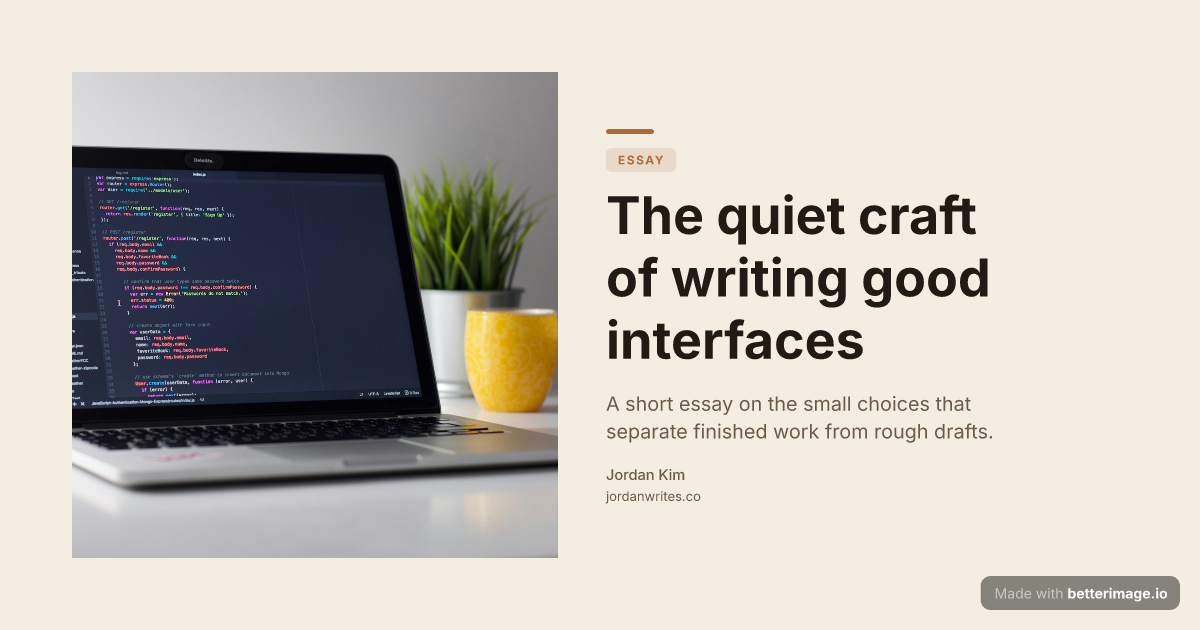
Editorial blog post
Serif headline, photo bleeding from the left edge, warm cream palette.
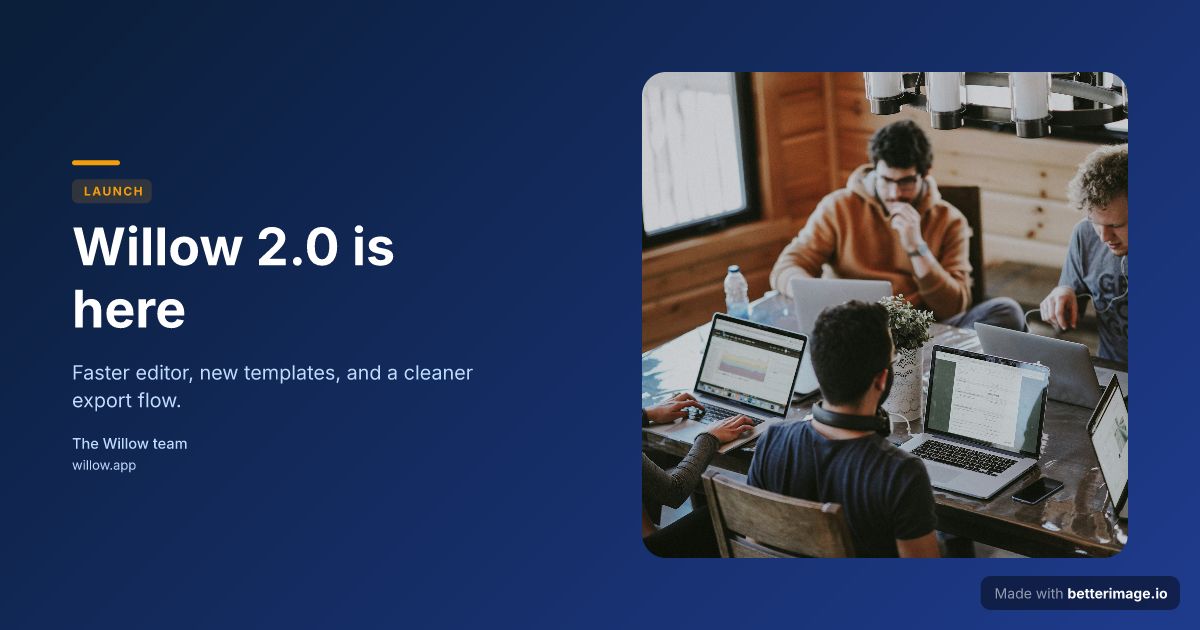
Product launch
Launch headline with a floating photo card on a deep blue gradient, amber accent.
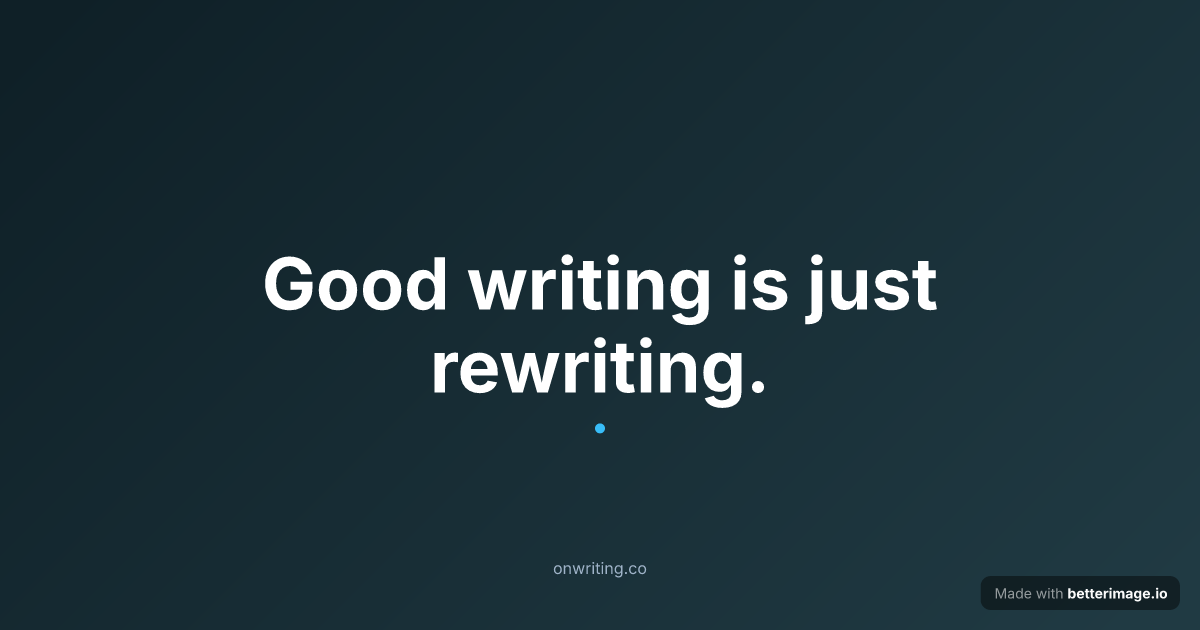
Bold quote card
One line set large and centered, with an accent mark. For pull quotes and announcements.
Click any example to open it in the editor and make it yours.
Links get forwarded through WhatsApp constantly: articles, product pages, event invites, shop links. Before anyone taps, they see the preview card WhatsApp builds from your page's Open Graph tags, and the og:image is the biggest part of it.
If your page has no purposeful image, the preview falls back to whatever WhatsApp can scrape, or shows nothing but bare text. A branded 1200x630 card designed here fixes that for every chat and group the link travels through.
How it works
1
Pick a template
Start from an example above or from a blank template in the editor.
2
Make it yours
Type your text, set colors, fonts, and layout, upload a photo or logo. The preview updates as you type.
3
Download the PNG
Free with a small corner mark, or $4.99 once for the clean file. No subscription.
One tag, every chat
WhatsApp reads the standard og:image tag from the linked page, the same tag Facebook and Messenger use, so a single hosted PNG covers all three. Host the image over HTTPS at a publicly reachable URL; previews cannot load images that sit behind a login.
WhatsApp caches previews on the device after the first share. If you replace the image, expect old chats to keep the old card; new shares pick up the new one once WhatsApp re-fetches the page.
<meta property="og:title" content="Your headline" />
<meta property="og:image" content="https://yoursite.com/og/share.png" />
Frequently asked questions
Why is my link not showing a preview in WhatsApp?
Common causes: the page has no og:image tag, the image URL is not publicly reachable over HTTPS, or WhatsApp cached an older version of the page from a previous share.
What size should the image be?
The 1200x630 cards generated here render cleanly in WhatsApp's large link preview, and the same file also covers Facebook and Messenger.
Does the preview update if I change the image?
New shares pick up the new image after WhatsApp re-fetches your page. Previews already delivered to a chat keep the old image on the recipient's device.
Do I need anything WhatsApp-specific?
No. WhatsApp uses the standard Open Graph tags; there is no WhatsApp-only markup to add.
Is it really free?
Yes. No signup for the editor, free downloads with a small corner mark, and a one-time $4.99 payment for the clean file. No subscription.
More generators
Make yours now
The editor is free and runs in the browser, no signup. The free download carries a small "Made with betterimage.io" mark; a one-time $4.99 payment removes it. No subscription.
Open the editor