Blog hero image generator
A branded cover for every post: headline, tag, author, and your colors on a 1200x630 canvas that doubles as the og:image.
Free, no signup. The preview you see is the PNG you download.
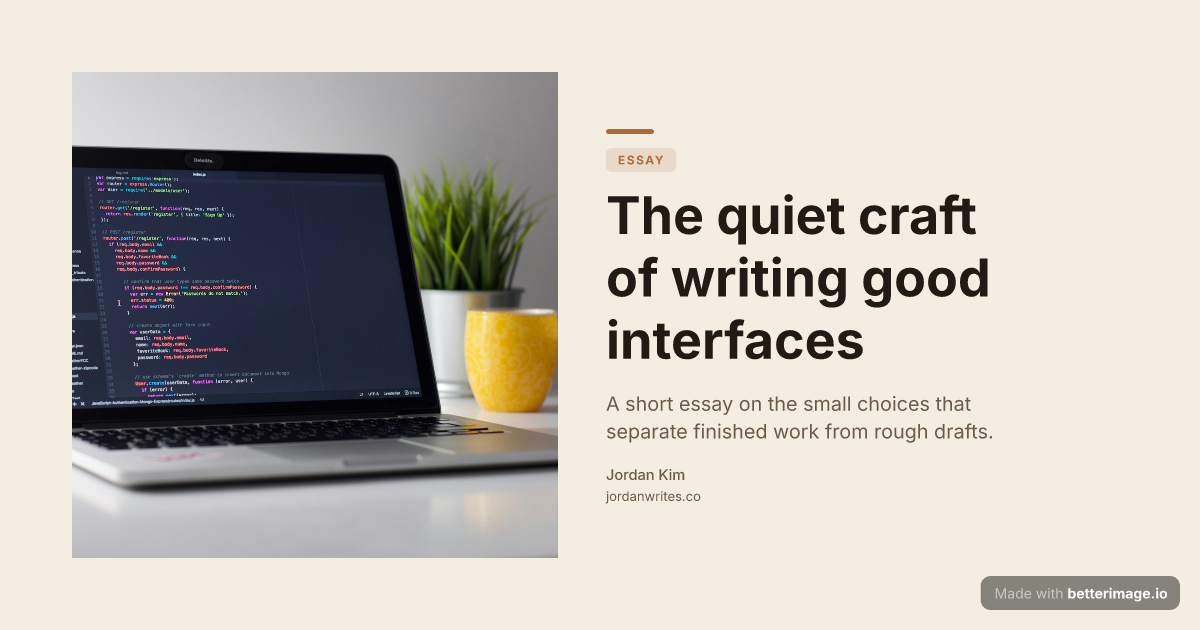
Editorial blog post
Serif headline, photo bleeding from the left edge, warm cream palette.
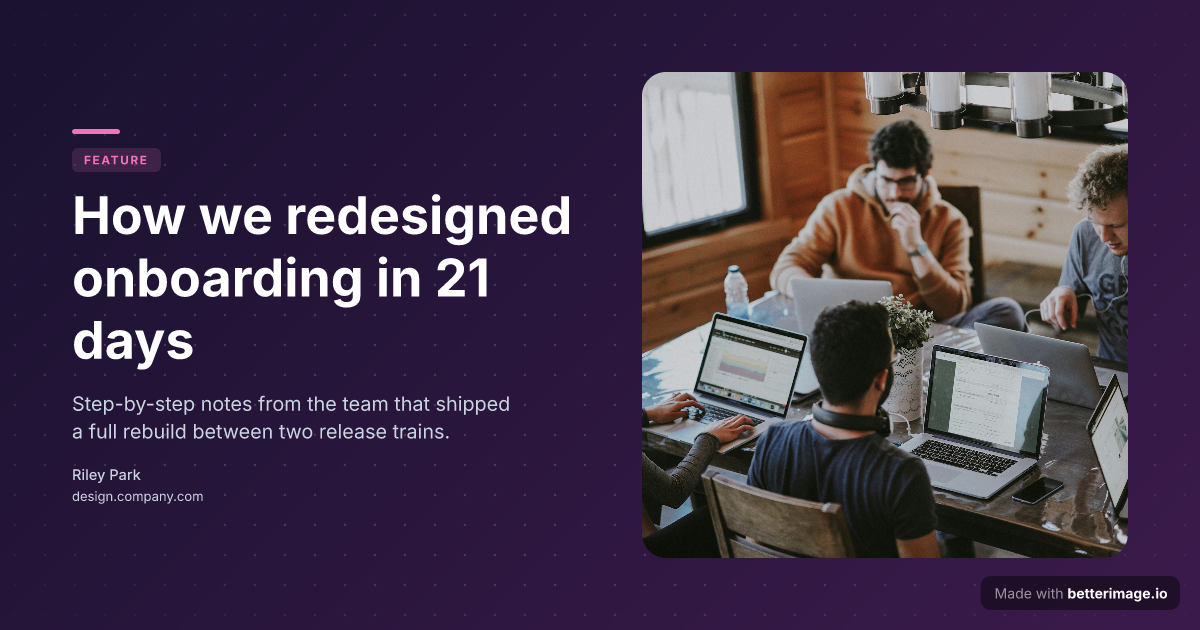
Long-read article
Floating image card with a soft shadow, gradient backdrop, accent tag.
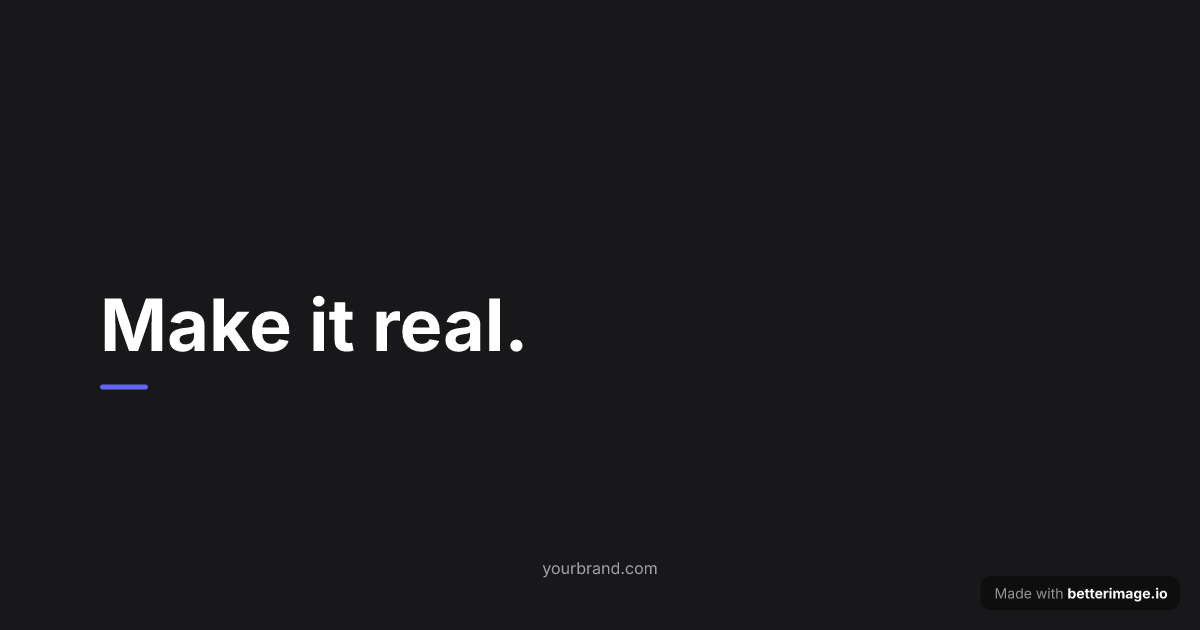
Manifesto or changelog
One bold line and a tagline. Accent dot or bar to match your brand.
Click any example to open it in the editor and make it yours.
A blog hero (the cover image at the top of a post) does two jobs: it sets the visual tone the moment the page loads, and, pointed at by the og:image tag, it becomes the preview readers see when the post is shared. One 1200x630 file covers both.
Stock photos make every post look like someone else's blog. A typographic hero with your headline, your colors, and your fonts makes a post recognizably yours, and this editor is built for exactly that: per-element typography, five fonts in nine weights, color presets, an optional photo or logo.
How it works
1
Pick a template
Start from an example above or from a blank template in the editor.
2
Make it yours
Type your text, set colors, fonts, and layout, upload a photo or logo. The preview updates as you type.
3
Download the PNG
Free with a small corner mark, or $4.99 once for the clean file. No subscription.
One file, two jobs
Render the hero once, place it at the top of the post, and point the page's og:image tag at the same file. At 1200 pixels wide it stays crisp at typical content widths, including 2x displays, and the 1.91:1 ratio is exactly what share previews expect. No second export, no cropping surprises.
<img src="/images/posts/my-post-hero.png" alt="Post title" />
<meta property="og:image" content="https://yoursite.com/images/posts/my-post-hero.png" />
A repeatable look across posts
Consistency is what makes heroes read as a brand rather than decoration. Save your design as a template with a free account: colors, fonts, layout, and logo stay fixed while you swap the headline per post. The next hero takes a minute, not a design session.
Frequently asked questions
What size should a blog hero image be?
1200x630 works at typical blog content widths, stays sharp on 2x displays, and doubles as the Open Graph image for share previews without recropping.
Can I keep the same design across posts?
Yes. Save the design as a template with a free account and change only the headline for each post. Colors, fonts, layout, and logo stay put.
Can I put my own photo behind the headline?
Yes. Upload a photo and place it as a full-bleed background with a readability overlay, beside the text, or as a floating card, whichever layout you pick.
Do I need design experience?
No. Start from one of the examples above, replace the text, and adjust colors if you want. The preview updates as you type and is exactly the file you download.
What does it cost?
The editor is free with no signup. Free downloads have a small corner mark; a one-time $4.99 payment removes it. No subscription.
More generators
Make yours now
The editor is free and runs in the browser, no signup. The free download carries a small "Made with betterimage.io" mark; a one-time $4.99 payment removes it. No subscription.
Open the editor