Pinterest pin generator
Vertical 1000x1500 pins with a headline that stays readable in the grid. Design once, export the pin and the matching link preview together.
Free, no signup. The preview you see is the PNG you download.
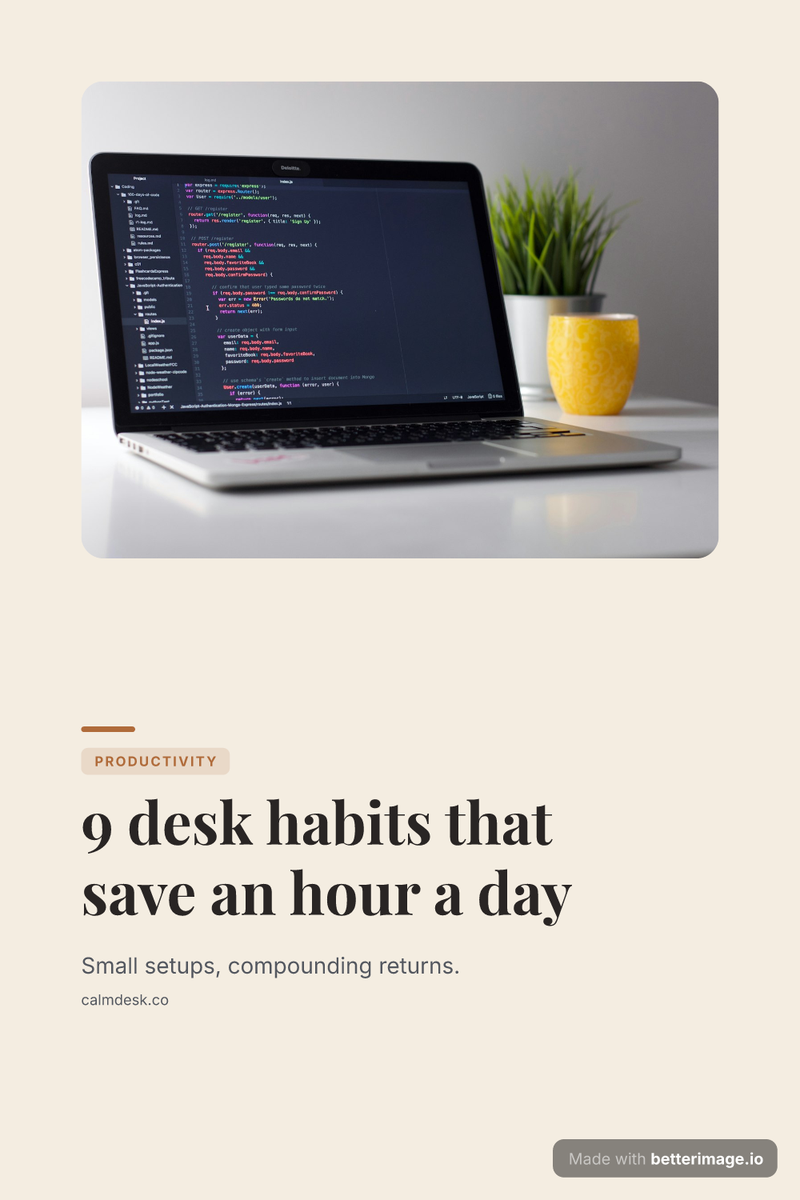
Listicle pin
Desk photo on top, numbered promise below. For productivity and how-to posts.
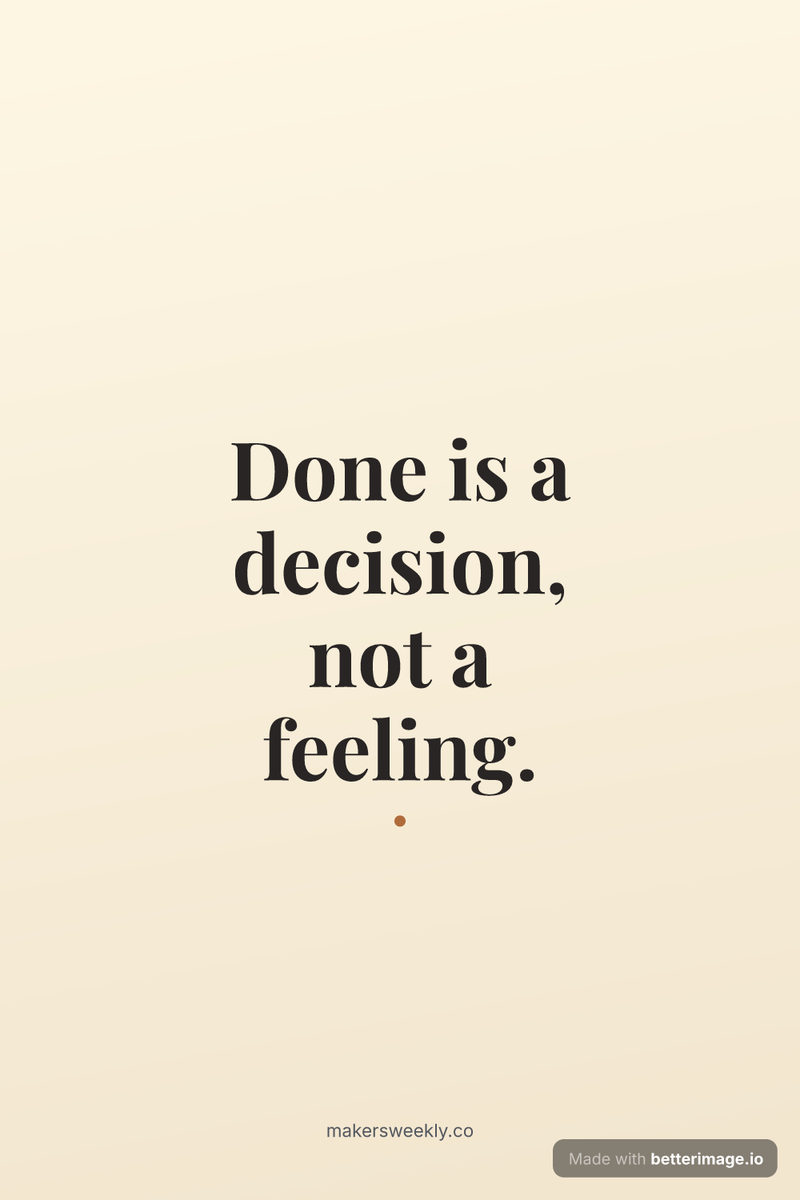
Quote pin
A tall serif quote card. Pins that read well in the grid.
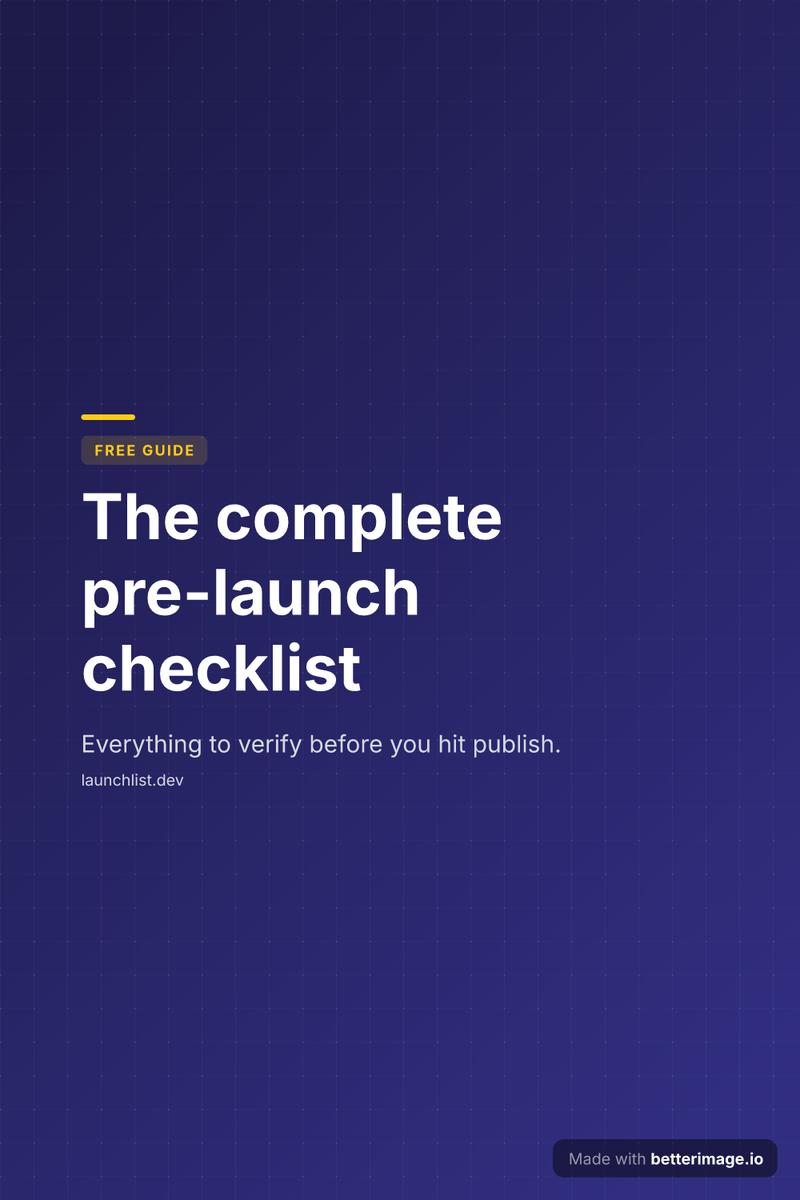
Free guide pin
A lead-magnet pin: guide tag, big promise, your domain. No photo needed.
Click any example to open it in the editor and make it yours. More starting points in the template gallery.
Pinterest is a vertical grid: the recommended pin is 1000x1500, a 2:3 portrait that takes real estate in the feed. Landscape blog images get cropped or ignored there, which is why a pin usually has to be made separately. Here it is the same design at a different size.
Write the title, set the colors, add the photo. Then pick the Pinterest size and the card recomposes for the tall canvas: the image becomes a band and the text keeps its hierarchy underneath. Download the 1000x1500 PNG and pin it to the post it links to.

The pin and the post it links to, visually matched. Real editor exports.
How it works
Pick a template
Start from an example above or from a blank template in the editor.
Make it yours
Type your text, set colors, fonts, and layout, upload a photo or logo. The preview updates as you type.
Download the PNG
Free with a small corner mark, or $4.99 once for the clean file. No subscription.
Why 1000x1500
Pinterest recommends a 2:3 aspect ratio and at least 1000 pixels wide; taller pins risk truncation in the feed. 1000x1500 is the safe, full-quality target, and it is exactly what the export produces. The text is baked into the image with real fonts, so the title stays crisp when Pinterest scales the pin in the grid.
Pins that match the post they link to
A pin drives a click to a page, and that page has its own 1200x630 link preview. Because both render from one design, the person who clicks a pin lands on a post whose social card looks like the pin they came from. One $4.99 purchase unlocks every size of the design watermark-free.
The same design covers the rest of the funnel too. Pairs well with: OG image generator · Blog hero image
Frequently asked questions
What size should a Pinterest pin be?
1000x1500 pixels, a 2:3 vertical aspect ratio. That is Pinterest's recommended size and the exact dimensions this generator exports.
Can I turn a blog post card into a pin?
Yes. Load or design the post's card, then switch the size picker to the Pinterest size; the layout restacks for the vertical canvas and you download a separate PNG.
Does text stay readable in the Pinterest grid?
Yes. Titles render large with real typography and high contrast, and the vertical layout keeps the headline in the upper part of the pin where the grid crops least.
Can I use my own fonts and brand colors?
You can pick from five bundled font families with adjustable weights and sizes, and every color on the card (background, text, accent) is directly editable.
Can I generate pins for every post automatically?
Yes. Save the design as a template and render it over the HTTP API with the size parameter set to the Pinterest format, one pin per post, straight from your publishing pipeline.
What does the pin export cost?
Free with a small corner watermark, on every size. A one-time $4.99 payment removes the watermark from all sizes of that design, delivered as PNGs plus a ZIP.
More generators
Make yours now
The editor is free and runs in the browser, no signup. The free download carries a small "Made with betterimage.io" mark; a one-time $4.99 payment removes it from every platform size of the design, no subscription required. For automated generation there is an API plan at $9/month.
Open the editor