Announcement image generator
Launches, feature ships, events, milestones: one bold 1200x630 card that carries the news across every feed and chat.
Free, no signup. The preview you see is the PNG you download.
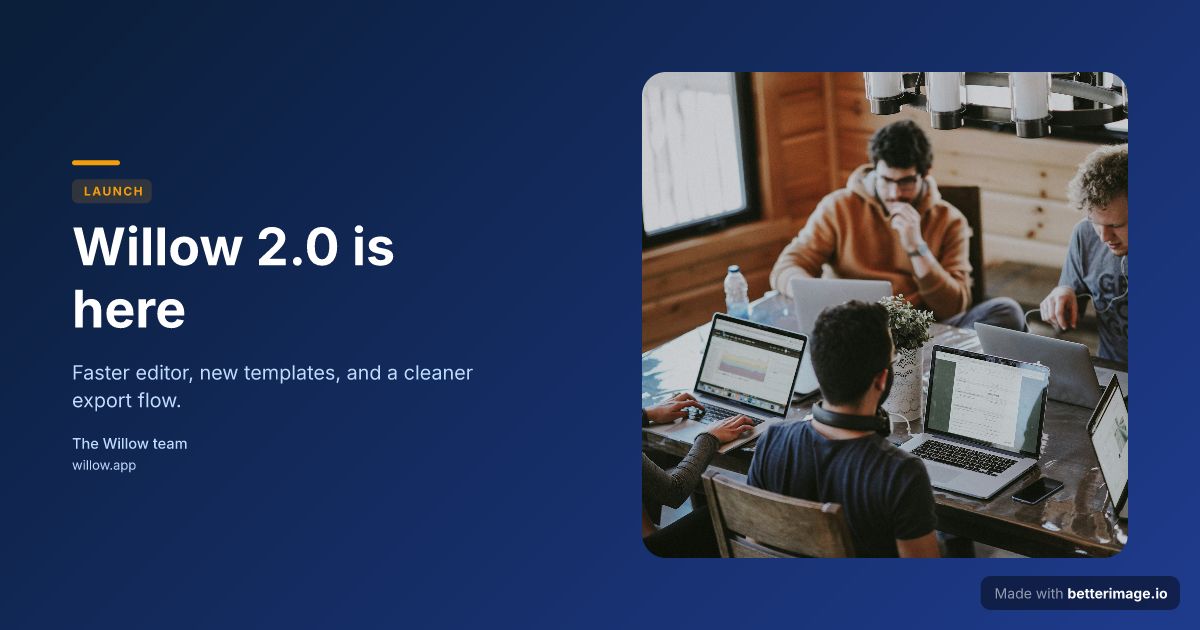
Product launch
Launch headline with a floating photo card on a deep blue gradient, amber accent.
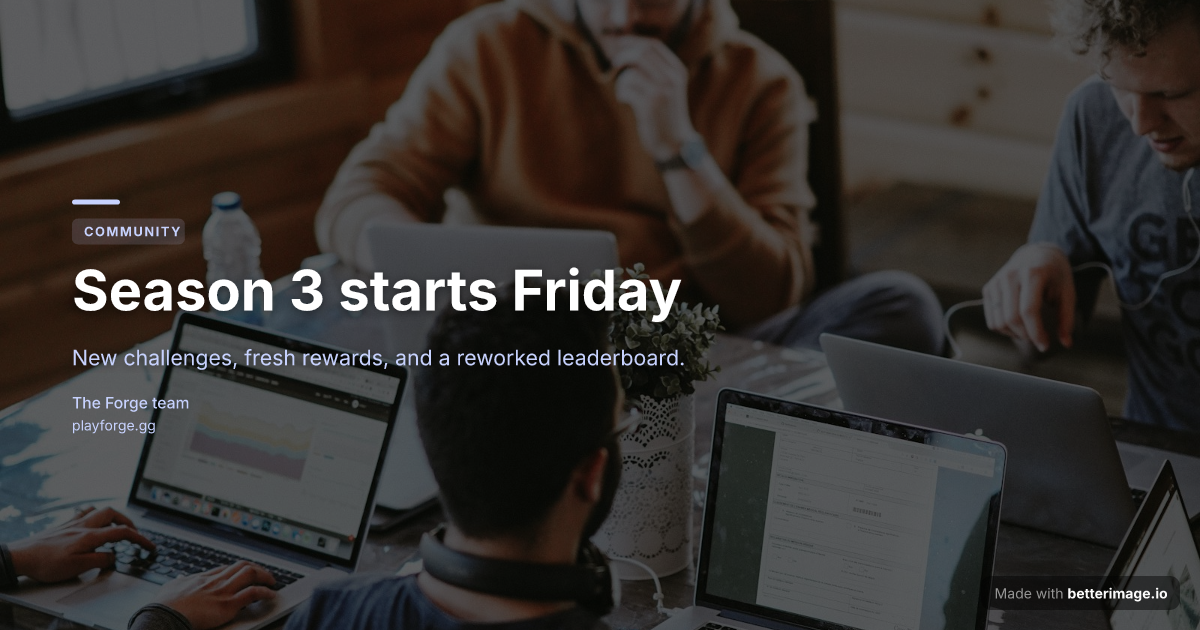
Community update
Headline over a full-bleed photo with an indigo overlay and dot pattern.
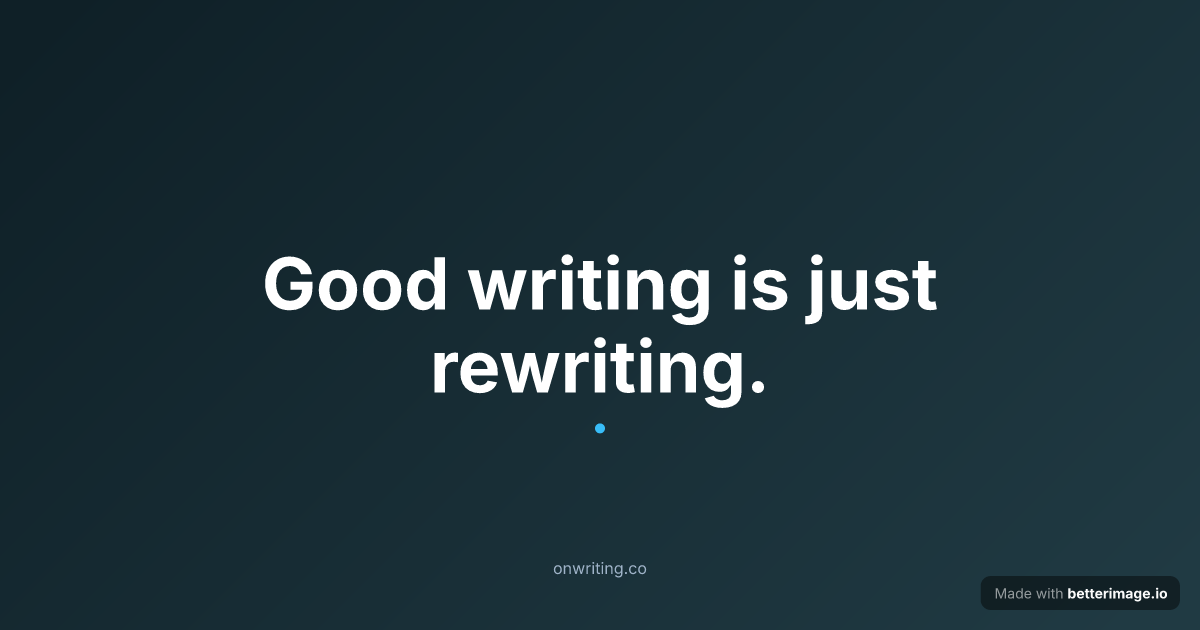
Bold quote card
One line set large and centered, with an accent mark. For pull quotes and announcements.
Click any example to open it in the editor and make it yours.
An announcement needs a graphic because feeds are skimmed, not read: the card is what stops the scroll, and the text underneath explains. Launch days, new features, events, funding news, community milestones; each travels further with a purposeful image attached.
Build it here: a headline that dominates the card, a photo or screenshot if the news has a face, your brand colors behind it. Download the exact 1200x630 PNG you previewed and attach it to the post, or wire it in as the og:image of the announcement page.
How it works
1
Pick a template
Start from an example above or from a blank template in the editor.
2
Make it yours
Type your text, set colors, fonts, and layout, upload a photo or logo. The preview updates as you type.
3
Download the PNG
Free with a small corner mark, or $4.99 once for the clean file. No subscription.
One card, three surfaces
The same file works attached directly to a post on X, LinkedIn, or Facebook; as the Open Graph image of your announcement blog post; and dropped into Slack, Discord, or a newsletter. Making it once and reusing it everywhere keeps the news visually consistent wherever people encounter it.
What makes an announcement card work
Keep the headline short enough to read at feed size; the card is a poster, not a paragraph. Use the description line for one supporting sentence, the tag for framing ("LAUNCH", "NEW"), and stop there. High text-background contrast matters more than decoration: auto-sizing here shrinks long titles, but a six-word headline will always beat a twenty-word one.
Frequently asked questions
What size is an announcement graphic?
1200x630 pixels. It renders full width in social feeds, works as a link preview image, and drops cleanly into chat apps and newsletters.
Can I put a product screenshot on the card?
Yes. Upload the screenshot and place it as a floating card, beside the text, or as a full-bleed background with an overlay behind the headline.
Can I reuse the design for the next announcement?
Yes. Save it as a template with a free account and swap the headline each time; colors, fonts, and layout stay fixed.
Do I need a design tool to adjust it?
No. Everything is edited in the browser: text, fonts, weights, colors, layout, and image placement, with a live preview that matches the download exactly.
What does it cost?
The editor is free with no signup. The free download carries a small "Made with betterimage.io" mark; a one-time $4.99 payment removes it.
More generators
Make yours now
The editor is free and runs in the browser, no signup. The free download carries a small "Made with betterimage.io" mark; a one-time $4.99 payment removes it. No subscription.
Open the editor