Facebook link preview image generator
Design the 1200x630 image Facebook shows when your link is shared. Live preview, exact PNG download, no signup.
Free, no signup. The preview you see is the PNG you download.
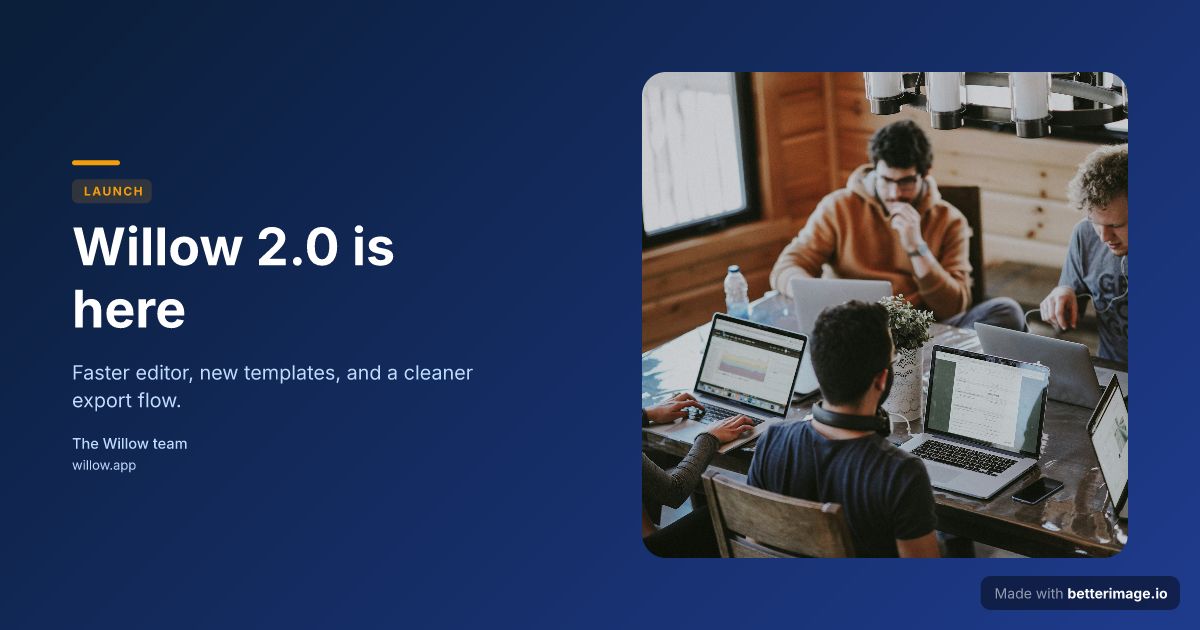
Product launch
Launch headline with a floating photo card on a deep blue gradient, amber accent.
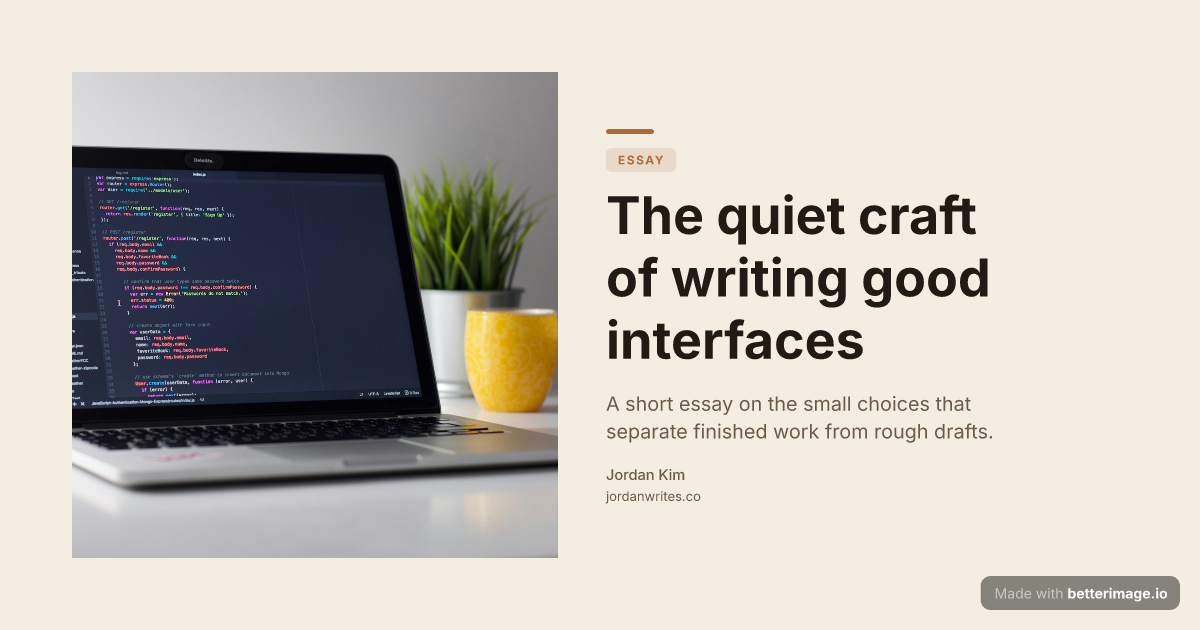
Editorial blog post
Serif headline, photo bleeding from the left edge, warm cream palette.
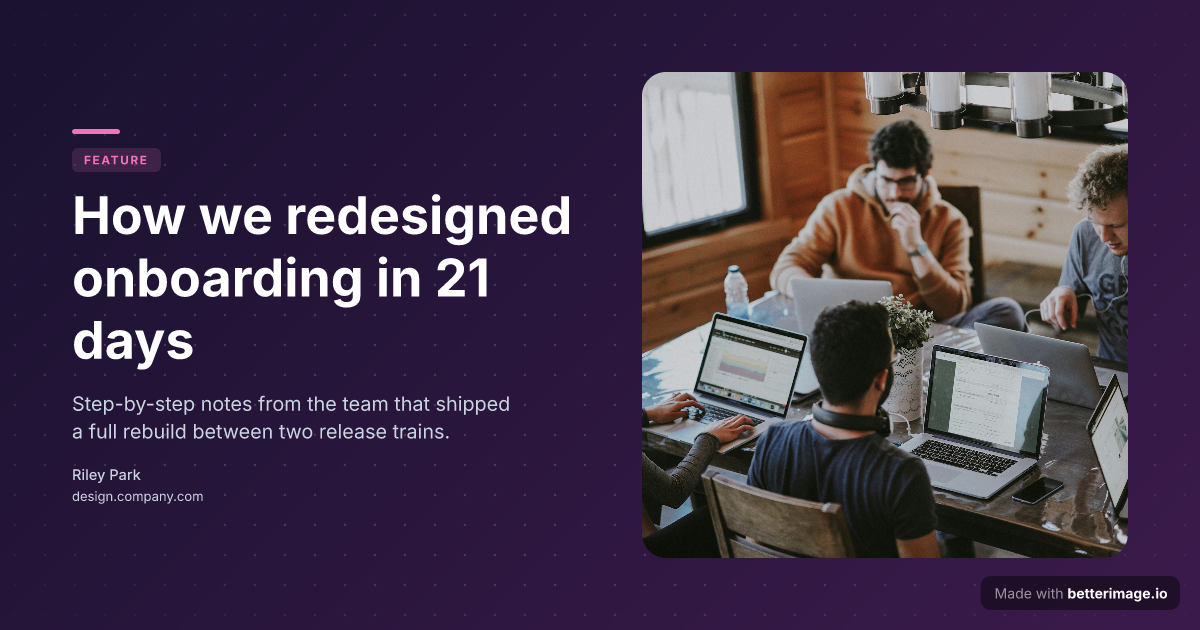
Long-read article
Floating image card with a soft shadow, gradient backdrop, accent tag.
Click any example to open it in the editor and make it yours.
When someone pastes your link into a Facebook post or a Messenger chat, Facebook fetches the page and builds a preview card from its Open Graph tags. The og:image tag decides the picture. Pages that set a purposeful 1200x630 image get the full-width card; pages that don't get a scraped screenshot, a tiny thumbnail, or nothing.
This tool generates that image. Pick a template, write your headline, drop in a photo or logo, and download the PNG. The editor preview is the actual render, so the card Facebook shows is the card you designed.
How it works
1
Pick a template
Start from an example above or from a blank template in the editor.
2
Make it yours
Type your text, set colors, fonts, and layout, upload a photo or logo. The preview updates as you type.
3
Download the PNG
Free with a small corner mark, or $4.99 once for the clean file. No subscription.
The size Facebook expects
Facebook's own sharing guidance recommends 1200x630 pixels for link images, the same 1.91:1 ratio the rest of the Open Graph world uses. Every image generated here is exactly 1200x630, so the card renders full width in the feed instead of falling back to the small square layout used for undersized images.
<meta property="og:image" content="https://yoursite.com/og/page.png" />
<meta property="og:image:width" content="1200" />
<meta property="og:image:height" content="630" />
When Facebook shows the wrong image
Facebook caches the first preview it scrapes. If you change the image and the old one keeps appearing, paste your URL into Facebook's Sharing Debugger (developers.facebook.com/tools/debug) and hit "Scrape Again" to refresh the cache. Setting og:image:width and og:image:height also helps the very first share render at full size instead of waiting for a re-scrape.
Frequently asked questions
What size should a Facebook link preview image be?
1200x630 pixels (1.91:1). That is Facebook's recommended size for link share images, and the size every image here is rendered at.
Why does my link show no image on Facebook?
Usually the page has no og:image tag, the image URL is not publicly reachable, or Facebook cached an older version of the page. Add the tag, host the PNG at a public URL, and re-scrape with the Sharing Debugger.
Does the same image work in Messenger and WhatsApp?
Yes. Messenger uses the same Open Graph preview as Facebook, and WhatsApp reads og:image too, so one 1200x630 file covers all three.
Do you post to Facebook for me?
No. You download a PNG and either attach it to a post directly or host it and point your page's og:image tag at it. Nothing connects to your Facebook account.
What does it cost?
The editor is free with no signup. The free download carries a small "Made with betterimage.io" mark; a one-time $4.99 payment removes it. No subscription.
More generators
Make yours now
The editor is free and runs in the browser, no signup. The free download carries a small "Made with betterimage.io" mark; a one-time $4.99 payment removes it. No subscription.
Open the editor