LinkedIn post image generator
One 1200x630 image that works as a LinkedIn link preview and as a graphic you attach to a post. Browser editor, exact PNG download.
Free, no signup. The preview you see is the PNG you download.
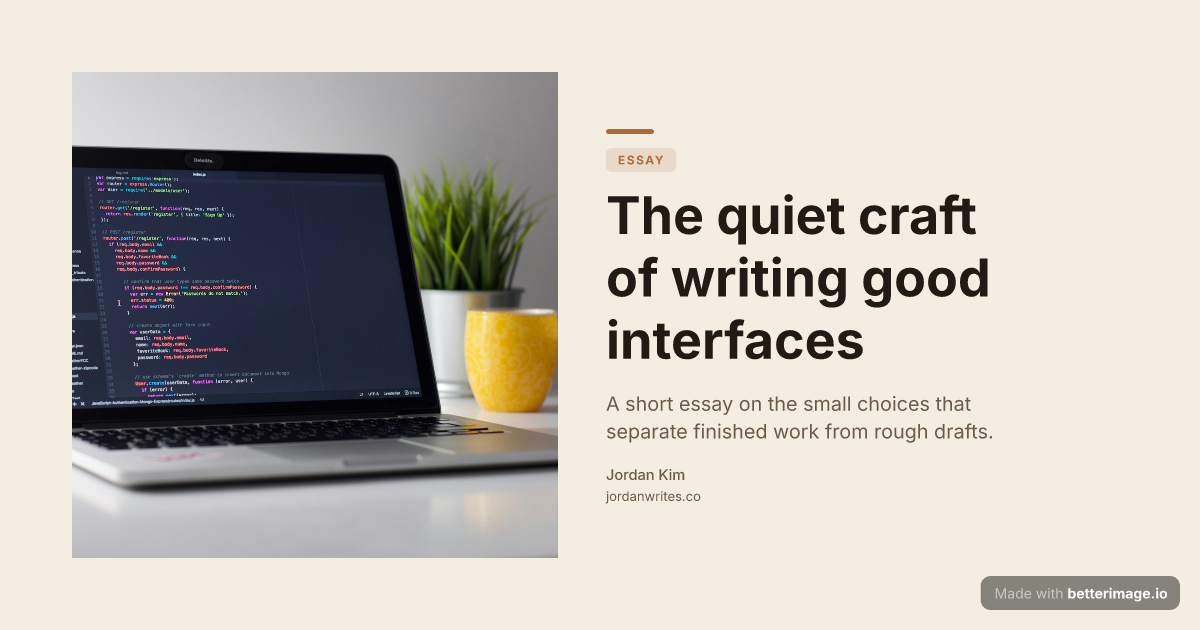
Editorial blog post
Serif headline, photo bleeding from the left edge, warm cream palette.
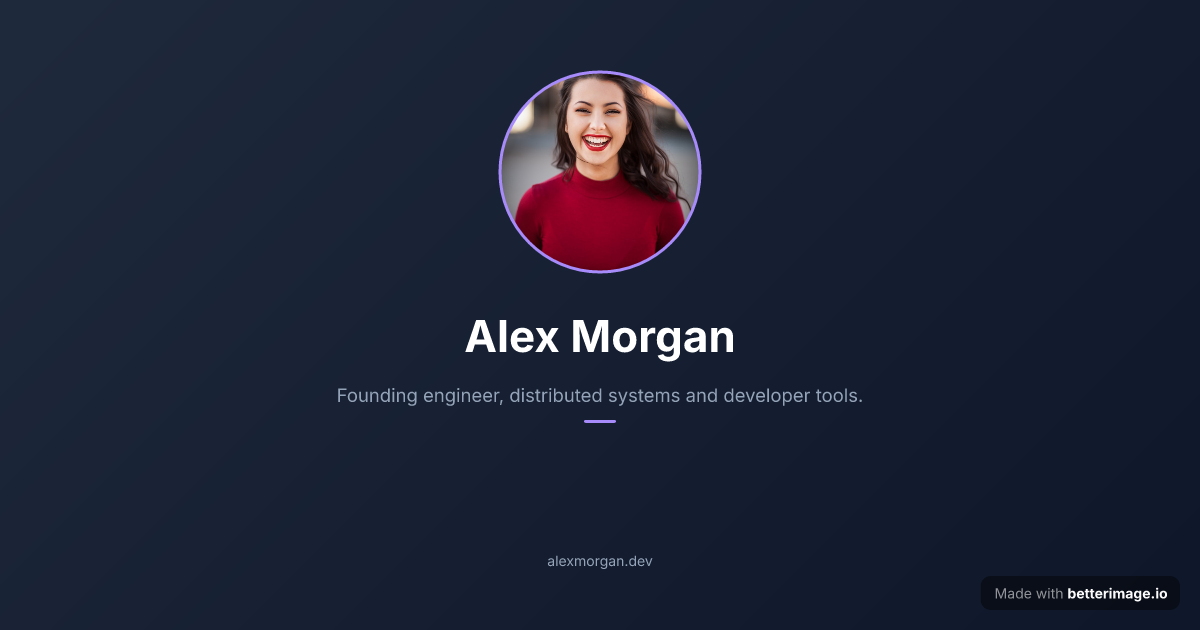
Speaker or about page
Centered avatar above the name and role. For team pages, speaker bios, personal sites.
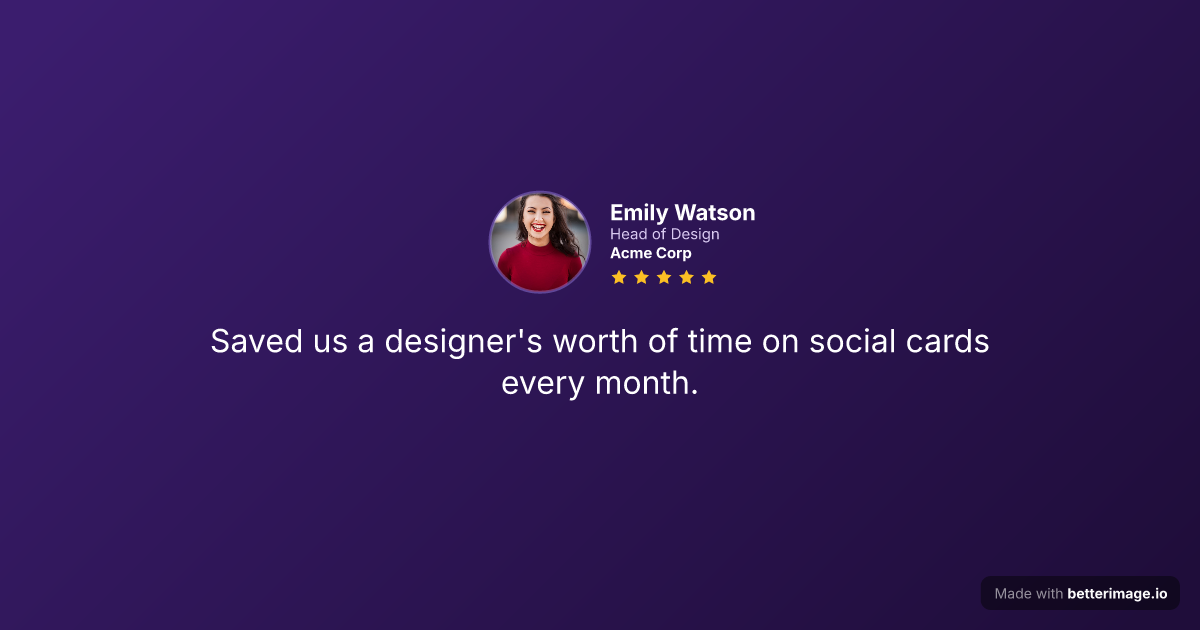
Customer testimonial
Reviewer photo, name, role, company, star rating, and the quote.
Click any example to open it in the editor and make it yours.
There are two ways an image shows up with your content on LinkedIn: as the automatic preview card when you paste a link, and as a graphic you attach to the post itself. The preview card is pulled from your page's Open Graph tags; the post graphic you upload directly. The same 1200x630 image made here works for both.
Posts and articles with a deliberate, branded image stand out from the default previews around them. Build one in the browser, keep the design as a saved template, and reuse it for every post so your content stays visually consistent.
How it works
1
Pick a template
Start from an example above or from a blank template in the editor.
2
Make it yours
Type your text, set colors, fonts, and layout, upload a photo or logo. The preview updates as you type.
3
Download the PNG
Free with a small corner mark, or $4.99 once for the clean file. No subscription.
Link previews come from your page, not from LinkedIn
LinkedIn reads standard Open Graph tags (og:title, og:description, og:image) from the linked page. Host the downloaded PNG with your site and point og:image at it; the 1.91:1 ratio of 1200x630 displays cleanly in the feed.
<meta property="og:image" content="https://yoursite.com/og/post.png" />Reusable branding with saved templates
With a free account you can save a design (colors, typography, layout, logo) as a template and re-open it for the next post. Change the headline, download, publish. That is how a one-person brand keeps every share looking consistent without a design team.
Frequently asked questions
What image size works for a LinkedIn link preview?
LinkedIn renders Open Graph images at roughly a 1.91:1 ratio, so the 1200x630 images generated here display cleanly.
Can I also use the image inside the post itself?
Yes. Download the PNG and attach it to the post like any other picture. The same file serves as your link preview if you also point your page's og:image tag at it.
Does LinkedIn need special meta tags?
No. It reads the standard Open Graph tags from the page you link to.
What does it cost?
The editor is free without signup. Free downloads carry a small corner mark; a one-time $4.99 payment removes it.
Make yours now
The editor is free and runs in the browser, no signup. The free download carries a small "Made with betterimage.io" mark; a one-time $4.99 payment removes it. No subscription.
Open the editor