Event · 1200x630
Webinar invite social card template
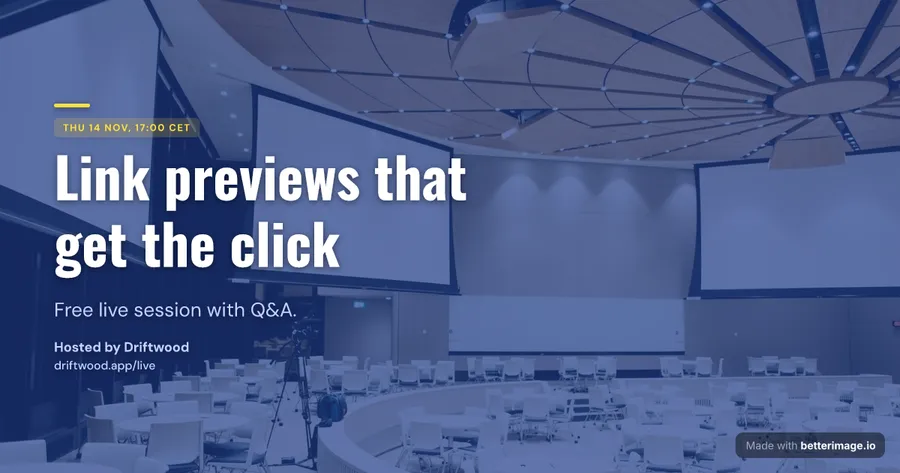
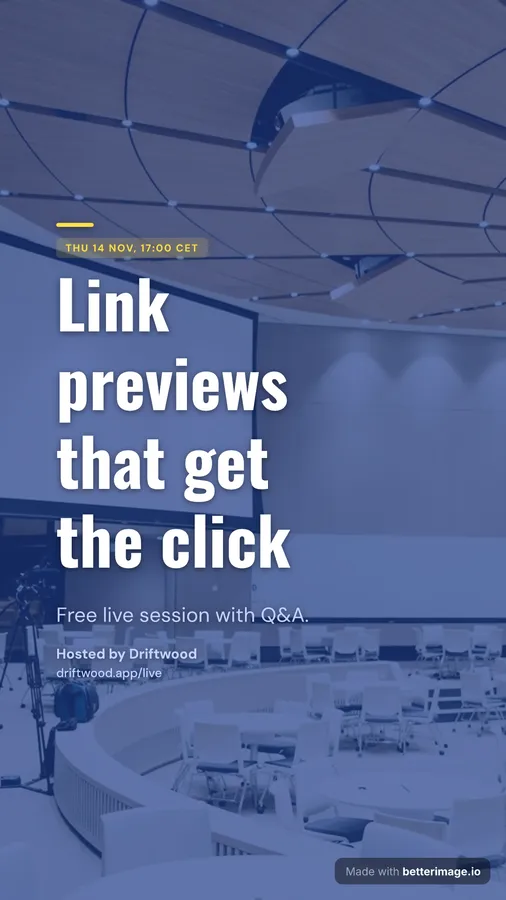
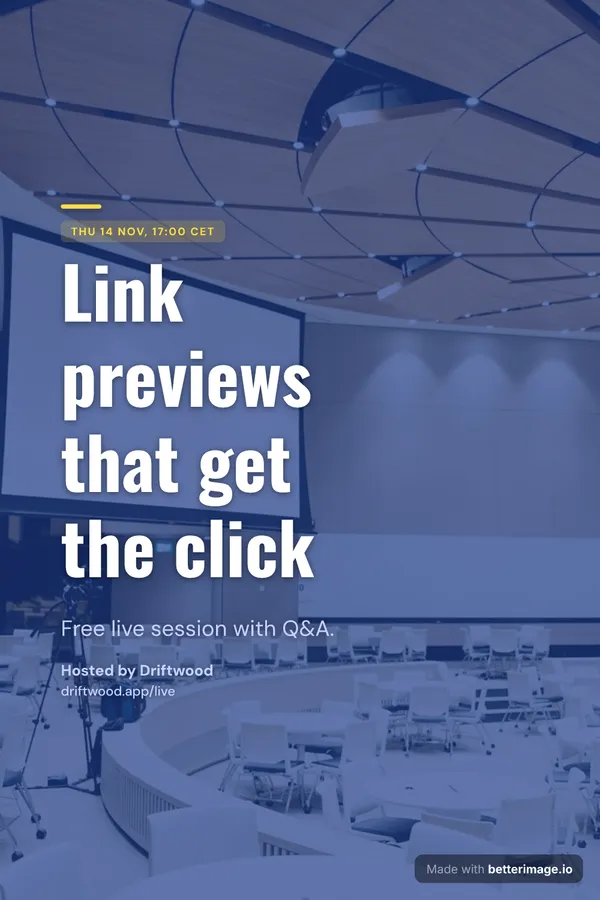
Webinar invite is a card for event posts: auditorium photo under a cobalt tint, date as the tag, tall Oswald headline, one-line subtitle.

The same design at every size
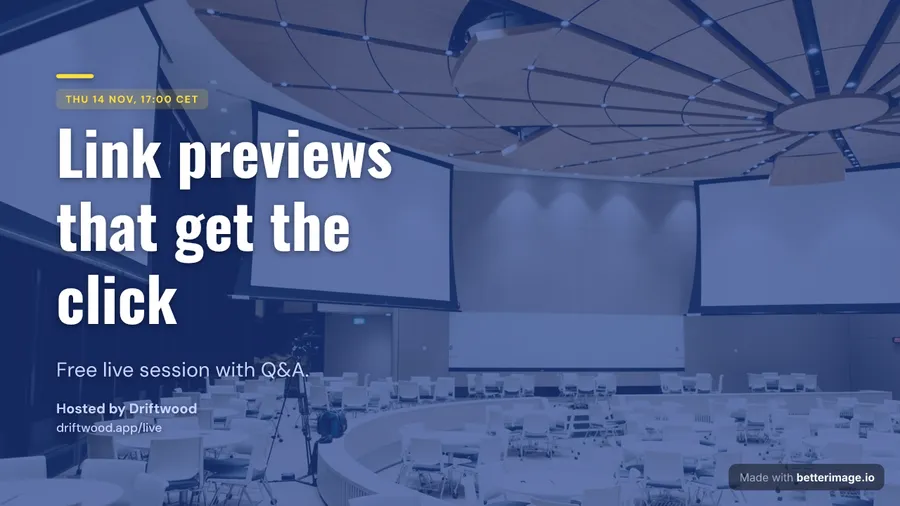
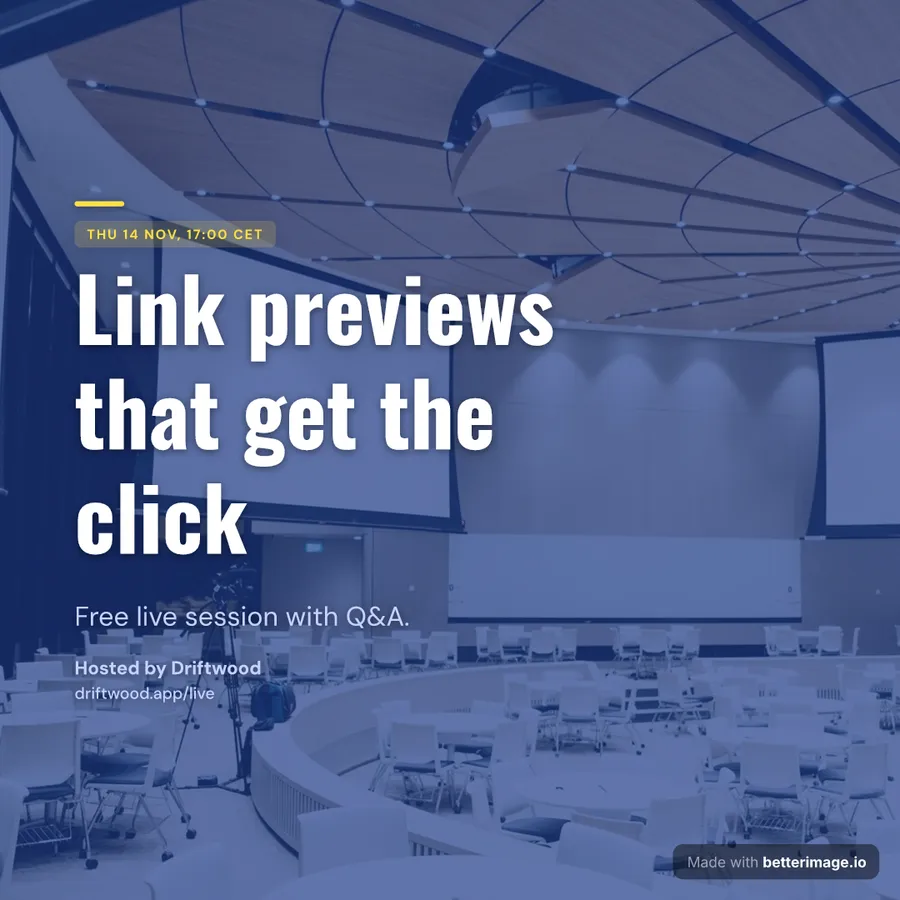
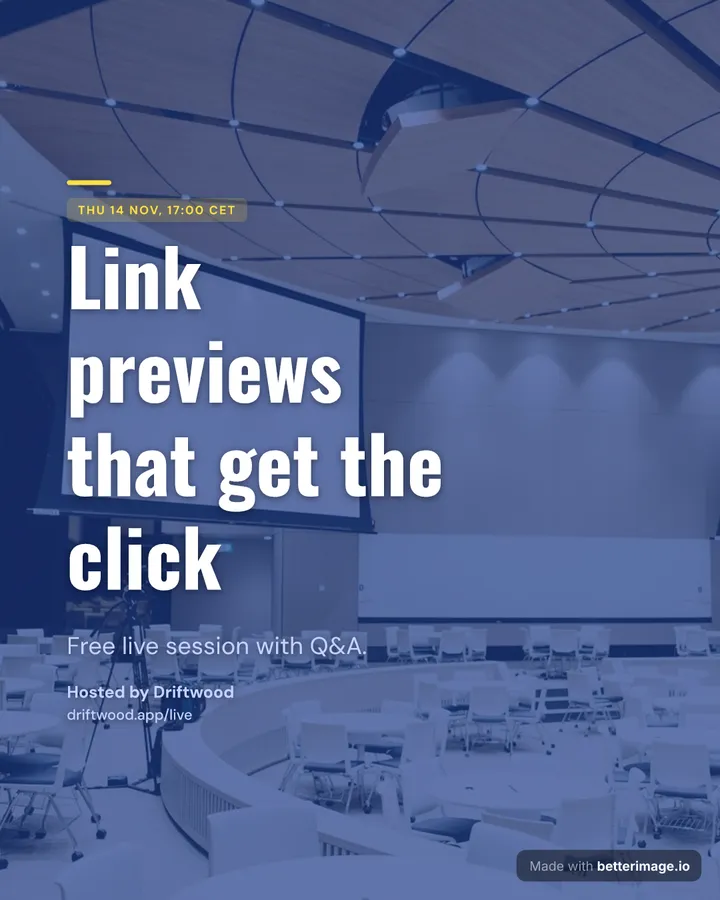
The editor restacks the layout for each shape. These are the actual exports, not the 1200x630 card scaled.
About this design
The headline is set in Oswald, the supporting text in DM Sans. The photo fills the whole card under a tint that keeps the text readable.
It exports at 1200x630, the size link previews use on X, LinkedIn, Facebook, Slack and Discord, and the same design restacks for the other five sizes: 1280x720, 1080x1080, 1080x1350, 1080x1920, 1000x1500.
Example text in this template
- Title
- Link previews that get the click
- Description
- Free live session with Q&A.
- Tag
- THU 14 NOV, 17:00 CET
- Author
- Hosted by Driftwood
- Tagline
- driftwood.app/live
How to use it
- Open the template. The example text and photo are already in place, so you see the finished card first.
- Type your own headline over the example, swap the photo or logo, and pick another color preset if you want one.
- Download the PNG at the size you need, at 1x or 2x. The free download has a small corner mark; a clean export is a one-time $4.99.
Questions about Webinar invite
What size is the Webinar invite template?
1200x630 pixels, the standard Open Graph size. The same file works as the og:image for link previews on X, LinkedIn, Facebook, Slack and Discord, and the editor can export the design at five more sizes for YouTube, Instagram, stories and Pinterest.
Can I change the fonts and colors of Webinar invite?
Yes. Webinar invite is a starting configuration, not a locked design. Every font, weight, size and color, the layout and the photo slot stay editable after you open it.
Is the Webinar invite template free?
Yes. The editor is free without signup, and the download carries a small "Made with betterimage.io" mark. A one-time $4.99 payment removes it from every size of the design.
Can I generate Webinar invite cards automatically?
Yes. Save your version as a template with a free account, then the API renders it with new text for every post, at any size. Plans start at $9/month.
More event templates


Related tools
Making this card for every post? Save your version once and let the API render it with new text each time.